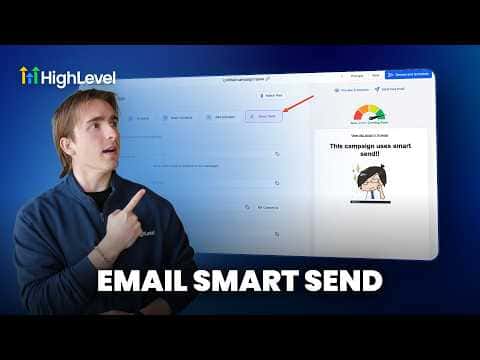
How to Optimize Email Campaigns with GoHighLevel Smart Send
By Marnix Geerkens. Published 2026-05-28. Updated 2026-06-02.
Sending a campaign at an arbitrary time means some of your contacts see it at the worst possible moment for them. GoHighLevel's Smart Send feature analyzes your account's historical email data and suggests the time your list is most likely to open and engage. You approve or adjust the recommendation, and the platform handles delivery automatically at that window.
Watch it, then build it
Get the full platform free for 30 days
That walkthrough runs on GoHighLevel. Start it free through RocketLauncher and you get 30 days instead of the usual 14, the whole platform unlocked, plus our setup help and a community of thousands of builders in 47+ countries.
30 days, not 14Full platform, nothing held backFree community and setup help
We earn a referral commission if you keep GoHighLevel after the trial. It never changes your price.
Summary. Smart Send is available inside the send and schedule step of any GoHighLevel email campaign once your account has sent at least 1,000 emails in the past 60 days. GoHighLevel reviews engagement patterns from your own data, not generic industry averages, and suggests a specific send time. After sending, the campaign statistics show a Smart Send Impact section alongside the usual engagement summary so you can see the effect directly.
Related tutorials
Watch it, then build it
Get the full platform free for 30 days
30 days, not 14Full platform, nothing held backFree community and setup help
Frequently asked questions
What is the minimum volume required to use Smart Send?
Your sub-account must have sent over 1,000 emails in the past 60 days.
Can I reschedule a Smart Send campaign after scheduling it?
Yes. You can reschedule or cancel it before it goes out.
Where do I see Smart Send results after the campaign runs?
Open Campaign Statistics and click Load More Statistics to see Smart Send Impact.