RocketLauncher AI

AI & Voice Agents

How to Configure AI Bot Response Styles in GoHighLevel

By Marnix Geerkens. Published 2026-05-21. Updated 2026-06-02.

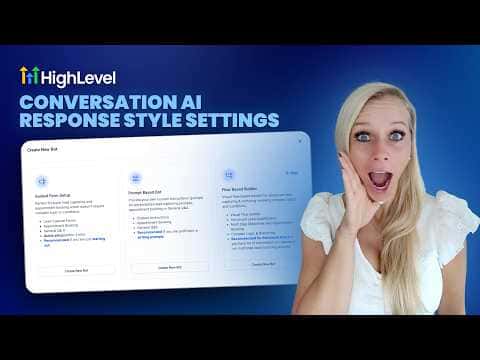
GoHighLevel Conversation AI lets you choose how long and detailed your bot's replies are. Three options are available: concise (around 30 words, good for SMS and quick confirmations), balanced (around 80 words, suitable for most conversations), and detailed (around 200 words, best for FAQs and troubleshooting). The setting is per bot and does not affect other agents in your account.

Watch it, then build it

Get the full platform free for 30 days

That walkthrough runs on GoHighLevel. Start it free through RocketLauncher and you get 30 days instead of the usual 14, the whole platform unlocked, plus our setup help and a community of thousands of builders in 47+ countries.

30 days, not 14Full platform, nothing held backFree community and setup help

We earn a referral commission if you keep GoHighLevel after the trial. It never changes your price.

Summary. GoHighLevel's response style settings give you direct control over how brief or thorough a Conversation AI bot's replies are. Concise mode targets around 30 words for quick answers, balanced targets around 80 for general conversations, and detailed targets around 200 for complex support or onboarding. The counts are guidelines, not hard caps, and each bot stores its own setting independently.
Want the full picture? Read more about GoHighLevel Voice AI and GoHighLevel AI agents.

Related tutorials

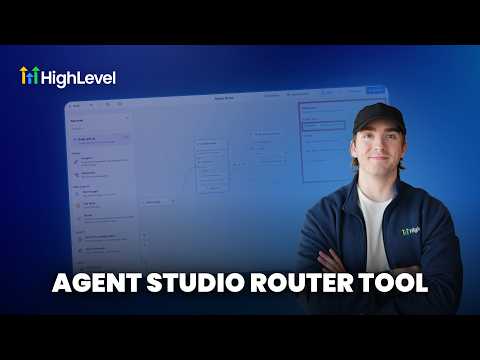
How to use the Router Tool in HighLevel's Agent Studio for AI and Conditional Routing
How to use the Router Tool in HighLevel's Agent Studio for AI and Conditional Routing7:19 · AI & Voice Agents
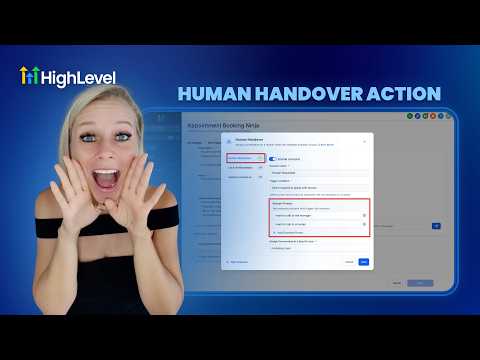
How To Enable Human Handover in HighLevel's Conversation AI
How To Enable Human Handover in HighLevel's Conversation AI7:11 · AI & Voice Agents
Did You Know You Can Build a Full Landing Page From One Prompt in AI Studio?
Did You Know You Can Build a Full Landing Page From One Prompt in AI Studio?1:12 · AI & Voice Agents
How To Leverage Conversation AI to Read and Respond to Images and Files in HighLevel Live Chat
How To Leverage Conversation AI to Read and Respond to Images and Files in HighLevel Live Chat2:02 · AI & Voice Agents
How To Control Conversation AI Agent Access with HighLevel Permissions
How To Control Conversation AI Agent Access with HighLevel Permissions3:11 · AI & Voice Agents
How To Invoke AI Agents in HighLevel Workflows
How To Invoke AI Agents in HighLevel Workflows5:02 · AI & Voice Agents

Watch it, then build it

Get the full platform free for 30 days

30 days, not 14Full platform, nothing held backFree community and setup help

Frequently asked questions

Where do I find response style settings in GoHighLevel?

Go to AI Agents, select your bot, open Bot Settings, and scroll to Response Settings.

Does changing the response style affect all my bots?

No. Each bot saves its own response style setting separately.

Can I still use word count rules in my prompts?

Conflicting word count instructions in prompts make results less predictable. Avoid them when response styles are active.

Back to all AI & Voice Agents tutorials