RocketLauncher AI

AI & Voice Agents

Experiment in GoHighLevel AI Studio Without Affecting Your Live Page

By Marnix Geerkens. Published 2026-04-29. Updated 2026-06-02.

AI Studio in GoHighLevel keeps your changes in draft mode until you choose to publish. You can prompt the AI to redesign colors, swap sections, or rewrite copy on an existing page and the live version stays untouched. When the draft looks right, click publish and apply changes. If you change your mind, the version history lets you restore any previous state.

Watch it, then build it

Get the full platform free for 30 days

That walkthrough runs on GoHighLevel. Start it free through RocketLauncher and you get 30 days instead of the usual 14, the whole platform unlocked, plus our setup help and a community of thousands of builders in 47+ countries.

30 days, not 14Full platform, nothing held backFree community and setup help

We earn a referral commission if you keep GoHighLevel after the trial. It never changes your price.

Summary. GoHighLevel AI Studio separates draft edits from the published page, so you can test new layouts, copy, or color schemes without visitors ever seeing the unfinished version. Every change made through a prompt creates a new version in the history panel, giving you a clear rollback path if an experiment does not work out. Publishing is a deliberate two-click action, not automatic, which keeps your live page stable while you iterate.
Want the full picture? Read more about GoHighLevel Voice AI and GoHighLevel AI agents.

Related tutorials

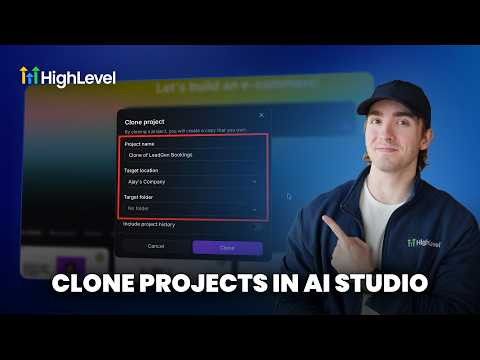
How To Clone AI Studio Projects Across Sub Accounts in HighLevel
How To Clone AI Studio Projects Across Sub Accounts in HighLevel1:18 · AI & Voice Agents
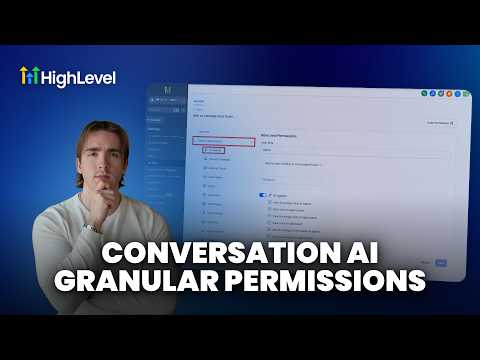
How To Control Conversation AI Agent Access with HighLevel Permissions
How To Control Conversation AI Agent Access with HighLevel Permissions3:11 · AI & Voice Agents
How To Enable Conversation AI Summaries in HighLevel
How To Enable Conversation AI Summaries in HighLevel3:32 · AI & Voice Agents
How To Leverage Conversation AI to Read and Respond to Images and Files in HighLevel Live Chat
How To Leverage Conversation AI to Read and Respond to Images and Files in HighLevel Live Chat2:02 · AI & Voice Agents
Did You Know You Can Build a Full Landing Page From One Prompt in AI Studio?
Did You Know You Can Build a Full Landing Page From One Prompt in AI Studio?1:12 · AI & Voice Agents
How To Configure AI Bot Response Styles in HighLevel
How To Configure AI Bot Response Styles in HighLevel3:14 · AI & Voice Agents

Watch it, then build it

Get the full platform free for 30 days

30 days, not 14Full platform, nothing held backFree community and setup help

Frequently asked questions

Will visitors see my changes while I am editing in AI Studio?

No, edits stay in draft until you click publish and apply changes.

How do I roll back to an earlier version of the page?

Click the history button, select the version you want, then click restore.

Is draft mode automatic or do I have to enable it?

It is automatic. All AI Studio edits are drafts by default until published.

Back to all AI & Voice Agents tutorials