Workflows & Automation
How to Automate Tasks with GoHighLevel's Scheduler Trigger
By Marnix Geerkens. Published 2025-11-06. Updated 2026-06-02.
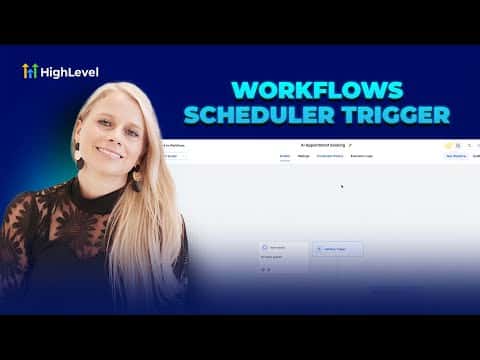
The scheduler trigger in GoHighLevel starts a workflow on a fixed clock interval rather than from a contact action. You can set it to fire hourly, daily, weekly, monthly, or on a specific one-off date. It works well for recurring internal tasks, timed reports, webhook syncs, and any automation that does not need a contact to do something first.
Watch it, then build it
Get the full platform free for 30 days
That walkthrough runs on GoHighLevel. Start it free through RocketLauncher and you get 30 days instead of the usual 14, the whole platform unlocked, plus our setup help and a community of thousands of builders in 47+ countries.
30 days, not 14Full platform, nothing held backFree community and setup help
We earn a referral commission if you keep GoHighLevel after the trial. It never changes your price.
Summary. GoHighLevel's scheduler trigger runs workflows on a time-based schedule instead of waiting for a contact event. It supports hourly, daily, weekly, monthly, and custom cron intervals, with options to skip weekends and set an end date. Common uses include assigning daily tasks to team members, sending operations reports to Slack, and syncing data via webhook on a fixed cadence. One important limit: the scheduler trigger cannot share a workflow with any other trigger.
Related tutorials
Watch it, then build it
Get the full platform free for 30 days
30 days, not 14Full platform, nothing held backFree community and setup help
Frequently asked questions
What is the scheduler trigger in GoHighLevel?
A workflow trigger that fires on a clock schedule, not from a contact action.
Can the scheduler trigger work alongside other triggers?
No. A workflow using the scheduler trigger can only have that one trigger.
Does the scheduler trigger require a contact to be enrolled?
No. It is contactless and runs independently of your CRM contacts.