Workflows & Automation
GoHighLevel Advanced Workflow Builder: Getting Started
By Marnix Geerkens. Published 2026-02-06. Updated 2026-06-02.
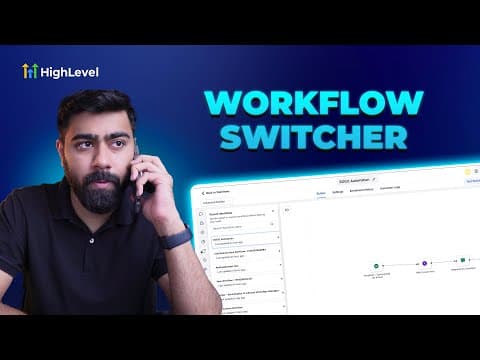
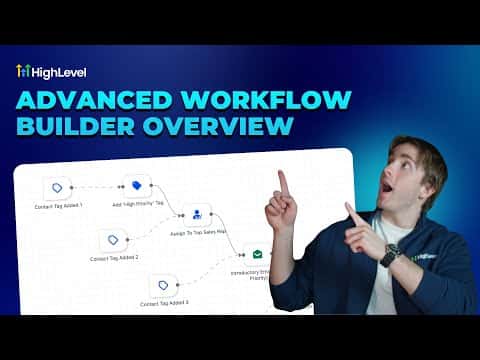
The advanced workflow builder in GoHighLevel replaces the top-down layout with a horizontal canvas where triggers and actions, called nodes, connect via draggable lines. This gives you the freedom to build parallel paths, disconnect branches, and drag nodes anywhere on the canvas. You can switch between the standard and advanced builder at any time, as long as you have no disconnected branches.
Watch it, then build it
Get the full platform free for 30 days
That walkthrough runs on GoHighLevel. Start it free through RocketLauncher and you get 30 days instead of the usual 14, the whole platform unlocked, plus our setup help and a community of thousands of builders in 47+ countries.
30 days, not 14Full platform, nothing held backFree community and setup help
We earn a referral commission if you keep GoHighLevel after the trial. It never changes your price.
Summary. GoHighLevel's advanced workflow builder uses a horizontal canvas instead of a vertical list, making complex automation logic easier to read and build. Triggers only connect on their right side, while action nodes connect on both sides, allowing flexible routing. You can add actions by right-clicking the canvas or hovering over connection lines to insert steps inline. Parallel workflows, where two separate paths run inside one automation, are a key feature exclusive to the advanced builder.

Related tutorials
Watch it, then build it
Get the full platform free for 30 days
30 days, not 14Full platform, nothing held backFree community and setup help
Frequently asked questions
How do you switch to the advanced builder?
Open any workflow and click Standard Builder in the top left to toggle it.
Can you switch back to the standard builder after using the advanced one?
Yes, unless you have disconnected branches. Reconnect them first to switch back.
What is a parallel workflow in the advanced builder?
Two separate paths running inside one workflow, each with its own trigger or start point.