Workflows & Automation
How to Use Fathom for Automatic Meeting Summaries in GoHighLevel
By Marnix Geerkens. Published 2026-05-11. Updated 2026-06-02.
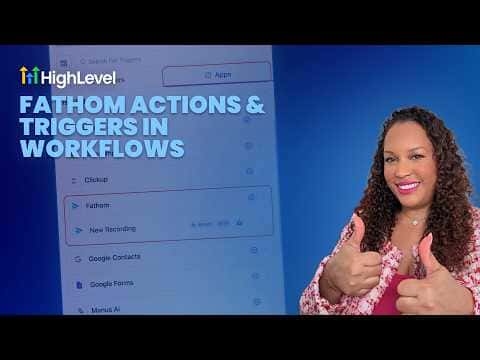
Connecting Fathom to GoHighLevel lets you trigger workflow automations the moment a recorded meeting is logged. You can automatically fetch the transcript or summary and send it to the right person on your team without anyone having to open Fathom separately. Sales teams benefit most because every call debrief lands in the right place without a manual step.
Watch it, then build it
Get the full platform free for 30 days
That walkthrough runs on GoHighLevel. Start it free through RocketLauncher and you get 30 days instead of the usual 14, the whole platform unlocked, plus our setup help and a community of thousands of builders in 47+ countries.
30 days, not 14Full platform, nothing held backFree community and setup help
We earn a referral commission if you keep GoHighLevel after the trial. It never changes your price.
Summary. GoHighLevel's Fathom integration brings meeting recordings into your workflow automations through a dedicated trigger and a set of Fathom-specific actions. After authorizing the connection at the sub-account level, you can trigger a workflow whenever a new Fathom recording appears, then fetch the transcript or summary and route it to a team member via internal notification, email, or a third-party tool like ClickUp. The entire post-meeting follow-up can run without anyone touching it manually.

Related tutorials
Watch it, then build it
Get the full platform free for 30 days
30 days, not 14Full platform, nothing held backFree community and setup help
Frequently asked questions
Where do I connect Fathom in GoHighLevel?
Under Settings, then Integrations. You can also connect directly inside the workflow trigger.
What Fathom actions are available in workflows?
List recordings, fetch transcript, and fetch summary are the three available actions.
Can I send the meeting summary to a specific salesperson?
Yes, the internal notification action lets you select a specific user to receive the alert.