Workflows & Automation

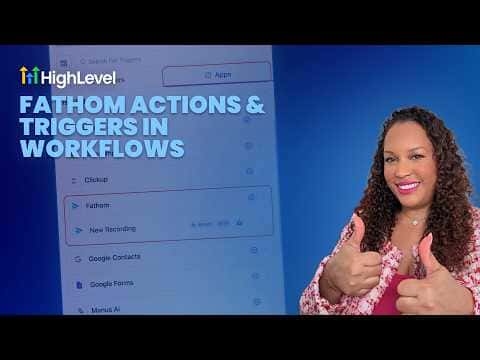
How to Use Fathom for Automatic Meeting Summaries in GoHighLevel

Connecting Fathom to GoHighLevel lets you trigger workflow automations the moment a recorded meeting is logged. You can automatically fetch the transcript or summary and send it to the right person on your team without anyone having to open Fathom separately. Sales teams benefit most because every call debrief lands in the right place without a manual step.

Actualizado el 2 de junio de 2026

3:20

Resumen. GoHighLevel's Fathom integration brings meeting recordings into your workflow automations through a dedicated trigger and a set of Fathom-specific actions. After authorizing the connection at the sub-account level, you can trigger a workflow whenever a new Fathom recording appears, then fetch the transcript or summary and route it to a team member via internal notification, email, or a third-party tool like ClickUp. The entire post-meeting follow-up can run without anyone touching it manually.
Preguntas frecuentes

Where do I connect Fathom in GoHighLevel?

Under Settings, then Integrations. You can also connect directly inside the workflow trigger.

What Fathom actions are available in workflows?

List recordings, fetch transcript, and fetch summary are the three available actions.

Can I send the meeting summary to a specific salesperson?

Yes, the internal notification action lets you select a specific user to receive the alert.

Constrúyelo con gente que ya lo hizo.

Únete a la comunidad gratis: llamadas en vivo cada semana, un curso para empezar y gente que construye en tu idioma.

Únete gratis en Skool