Workflows & Automation

How to Use Company-Based Workflows in GoHighLevel

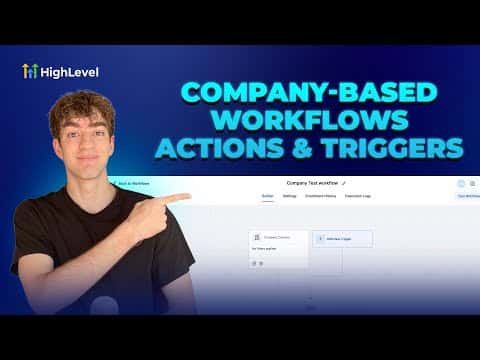
Company-based workflows in GoHighLevel let you automate at the account level instead of the individual contact level. When a company record is created or updated, the workflow fires actions that keep the company and all its linked contacts in sync. This is the right tool for any B2B setup where one client is an entire business with several people attached.

Actualizado el 2 de junio de 2026

2:02

Resumen. GoHighLevel's company-based workflows give B2B users a way to automate account-level tasks without touching each contact individually. Two dedicated triggers, company created and company changed, kick off actions that can create, update, or clear fields on both the company record and any associated contacts. The result is a consistent onboarding and data-management process that runs without manual effort.


Preguntas frecuentes

Where do I find the company-based workflow option?

Go to Automation, click Create Workflow, then choose Company-Based Workflow.

What triggers are available for company workflows?

Two triggers: Company Created and Company Changed.

Can a company workflow also update individual contacts?

Yes, the Update Company or Associated Contact action pushes changes to linked contacts.

Constrúyelo con gente que ya lo hizo.

Únete a la comunidad gratis: llamadas en vivo cada semana, un curso para empezar y gente que construye en tu idioma.

Únete gratis en Skool