Workflows & Automation
How to Use Company-Based Workflows in GoHighLevel
By Marnix Geerkens. Published 2025-11-03. Updated 2026-06-02.
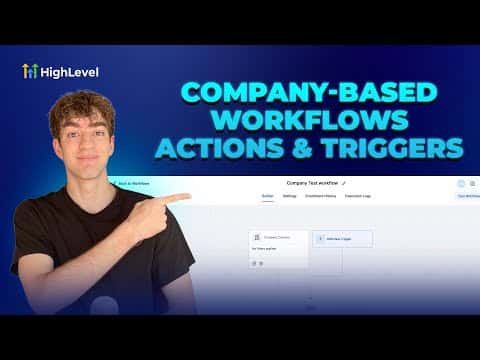
Company-based workflows in GoHighLevel let you automate at the account level instead of the individual contact level. When a company record is created or updated, the workflow fires actions that keep the company and all its linked contacts in sync. This is the right tool for any B2B setup where one client is an entire business with several people attached.
Watch it, then build it
Get the full platform free for 30 days
That walkthrough runs on GoHighLevel. Start it free through RocketLauncher and you get 30 days instead of the usual 14, the whole platform unlocked, plus our setup help and a community of thousands of builders in 47+ countries.
30 days, not 14Full platform, nothing held backFree community and setup help
We earn a referral commission if you keep GoHighLevel after the trial. It never changes your price.
Summary. GoHighLevel's company-based workflows give B2B users a way to automate account-level tasks without touching each contact individually. Two dedicated triggers, company created and company changed, kick off actions that can create, update, or clear fields on both the company record and any associated contacts. The result is a consistent onboarding and data-management process that runs without manual effort.

Related tutorials
Watch it, then build it
Get the full platform free for 30 days
30 days, not 14Full platform, nothing held backFree community and setup help
Frequently asked questions
Where do I find the company-based workflow option?
Go to Automation, click Create Workflow, then choose Company-Based Workflow.
What triggers are available for company workflows?
Two triggers: Company Created and Company Changed.
Can a company workflow also update individual contacts?
Yes, the Update Company or Associated Contact action pushes changes to linked contacts.