Workflows & Automation

How to Use Delinked Nodes in GoHighLevel's Advanced Workflow Builder

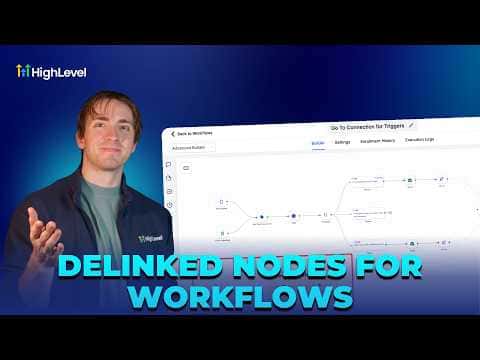
Delinked nodes in GoHighLevel's Advanced Workflow Builder let you place multiple independent trigger-and-action sequences inside a single workflow canvas. Each sequence runs on its own without connecting to the others, so you can manage related automations, such as separate reply flows for SMS, email, and Instagram, from one organized view instead of maintaining a pile of separate workflows.

Actualizado el 2 de junio de 2026

3:22

Resumen. GoHighLevel's Advanced Workflow Builder supports delinked nodes, which are fully independent automation sequences that share a canvas but do not connect to each other. This makes it practical to consolidate similar workflows, compare their performance stats side by side, and cross-reference actions across them, all without the clutter of navigating between many separate workflow files. A contact can progress through multiple delinked paths simultaneously, and all progress is visible from one place.


Preguntas frecuentes

Do delinked nodes interfere with each other when they run?

No, each delinked node sequence runs independently without affecting the others.

Can I publish a workflow that has delinked nodes?

Yes, the workflow publishes and all active delinked paths run as expected.

How do I see stats for each delinked sequence?

All stats appear inside the same workflow view, so you compare them without switching files.

Constrúyelo con gente que ya lo hizo.

Únete a la comunidad gratis: llamadas en vivo cada semana, un curso para empezar y gente que construye en tu idioma.

Únete gratis en Skool