RocketLauncher AI

Workflows & Automation

Build GoHighLevel Workflows with AI Voice Input

By Marnix Geerkens. Published 2026-02-13. Updated 2026-06-02.

GoHighLevel's workflow AI assistant now accepts voice input alongside typed prompts. Open the workflow builder, click the microphone icon, and speak your automation requirements aloud. The AI converts your words into a working workflow draft. The feature supports multiple languages, so you can dictate in the language that feels most natural.

Watch it, then build it

Get the full platform free for 30 days

That walkthrough runs on GoHighLevel. Start it free through RocketLauncher and you get 30 days instead of the usual 14, the whole platform unlocked, plus our setup help and a community of thousands of builders in 47+ countries.

30 days, not 14Full platform, nothing held backFree community and setup help

We earn a referral commission if you keep GoHighLevel after the trial. It never changes your price.

Summary. Voice dictation for GoHighLevel's AI workflow builder lets you describe an automation by speaking instead of typing. The assistant interprets the spoken request and assembles the workflow steps automatically, the same way the typed AI builder works. Multiple languages are supported, making the tool accessible to a wider range of users.

Related tutorials

How to Set Up Automatic Retries for Failed Payments
How to Set Up Automatic Retries for Failed Payments2:23 · Workflows & Automation
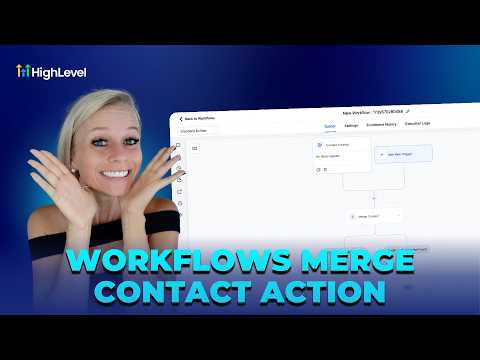
How To Merge Contacts in HighLevel Workflows
How To Merge Contacts in HighLevel Workflows3:06 · Workflows & Automation
How To Use Delinked Nodes for Efficient HighLevel Automation
How To Use Delinked Nodes for Efficient HighLevel Automation3:22 · Workflows & Automation
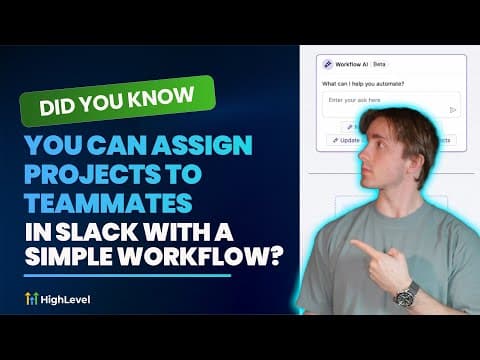
Did You Know You Can Assign Projects to Teammates in Slack with a Simple Workflow?
Did You Know You Can Assign Projects to Teammates in Slack with a Simple Workflow?6:29 · Workflows & Automation
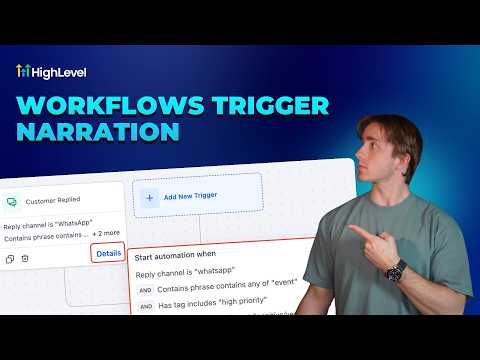
How To Understand HighLevel's Trigger Narration Feature
How To Understand HighLevel's Trigger Narration Feature1:45 · Workflows & Automation
Did You Know You Can Take Action on New Prospects Automatically?
Did You Know You Can Take Action on New Prospects Automatically?1:52 · Workflows & Automation

Watch it, then build it

Get the full platform free for 30 days

30 days, not 14Full platform, nothing held backFree community and setup help

Frequently asked questions

Where do I find the voice input button in the workflow builder?

Click the microphone icon inside the AI workflow assistant panel.

Does voice input support languages other than English?

Yes, the assistant recognizes multiple languages for voice dictation.

Back to all Workflows & Automation tutorials