Workflows & Automation

Build GoHighLevel Workflows with AI Voice Input

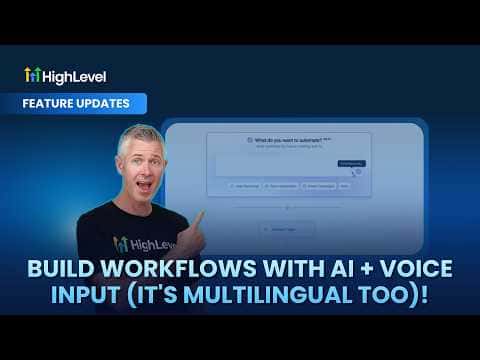
GoHighLevel's workflow AI assistant now accepts voice input alongside typed prompts. Open the workflow builder, click the microphone icon, and speak your automation requirements aloud. The AI converts your words into a working workflow draft. The feature supports multiple languages, so you can dictate in the language that feels most natural.

2026年6月2日に更新

1:06

概要. Voice dictation for GoHighLevel's AI workflow builder lets you describe an automation by speaking instead of typing. The assistant interprets the spoken request and assembles the workflow steps automatically, the same way the typed AI builder works. Multiple languages are supported, making the tool accessible to a wider range of users.


よくある質問

Where do I find the voice input button in the workflow builder?

Click the microphone icon inside the AI workflow assistant panel.

Does voice input support languages other than English?

Yes, the assistant recognizes multiple languages for voice dictation.

すでに作った人たちと、一緒に作ろう。

無料コミュニティに参加しましょう。毎週のライブ通話、最初に見るコース、あなたの言語のビルダーがいます。

Skoolに無料で参加