Workflows & Automation

How to Merge Contacts in GoHighLevel Workflows

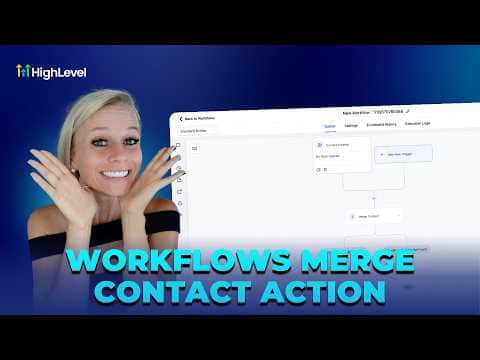
The Merge Contact action in GoHighLevel workflows detects duplicate records automatically and merges the newer one into the older, preserving all historical data on the surviving contact. You choose whether to match duplicates by email address, phone number, or both. After a merge, the workflow branches so you can take different follow-up steps depending on whether a duplicate was found.

2026年6月2日に更新

3:06

概要. GoHighLevel's Merge Contact workflow action automates deduplication without manual CRM cleanup. When a contact passes through the action, the system checks for a matching record by email, phone, or both, then merges the newer record into the older one so the history stays intact. The workflow splits into two branches, one for when a duplicate is found and one for when it is not, giving you full control over what happens next in each case.


よくある質問

Which contact record is kept after a merge?

The older record is always kept as the primary surviving contact.

Can goals tied to the old contact still trigger after a merge?

Goals tied to the old contact ID may not fire correctly after the merge.

Should I test this action before going live?

Yes, always test in a non-production scenario before activating on real contacts.

すでに作った人たちと、一緒に作ろう。

無料コミュニティに参加しましょう。毎週のライブ通話、最初に見るコース、あなたの言語のビルダーがいます。

Skoolに無料で参加