Workflows & Automation

How to Automatically Update WordPress Core, Plugins, and Themes in GoHighLevel

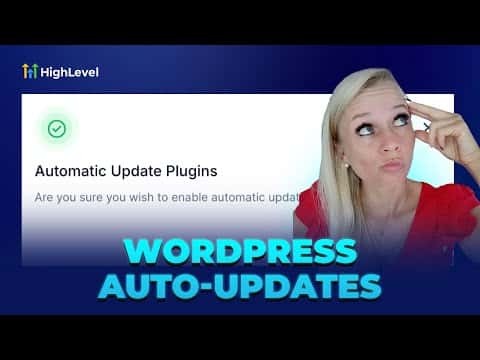
GoHighLevel's WordPress management tools let you turn on automatic updates for your core WordPress installation, individual plugins, and themes from inside the platform. You can update everything at once or choose specific plugins and themes to auto-update while leaving others on manual control. Taking a backup before enabling updates protects you against conflicts from incompatible plugin versions.

2026年6月2日に更新

1:54

概要. GoHighLevel gives WordPress site owners a central place to manage automatic updates for the core installation, plugins, and themes. Each category has its own toggle so you can set global auto-updates or pick only the components you trust to update automatically. A built-in backup tool lets you snapshot the site before updates run, reducing the risk of a broken site after an incompatible change.
よくある質問

Where do I find the WordPress auto-update settings in GoHighLevel?

Go to Sites, select WordPress, open your site, then click Advanced Settings and WordPress Management.

Can I auto-update some plugins but not others?

Yes, toggle individual plugin switches instead of the global plugin update switch.

Should I back up before enabling auto-updates?

Yes. Use the Backups tab to run a backup or schedule one before updates go live.

すでに作った人たちと、一緒に作ろう。

無料コミュニティに参加しましょう。毎週のライブ通話、最初に見るコース、あなたの言語のビルダーがいます。

Skoolに無料で参加