Workflows & Automation
How to Assign Projects to Teammates in Slack Using GoHighLevel Workflows
By Marnix Geerkens. Published 2025-10-06. Updated 2026-06-02.
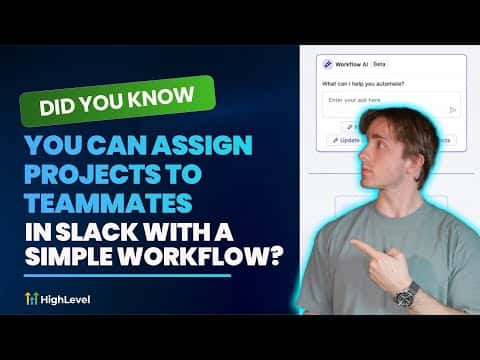
GoHighLevel's Slack integration inside workflows lets you route client intake form submissions directly to the right team member as a Slack direct message or channel post. You connect Slack once under Settings and Integrations, then add the Slack action to any workflow. Dynamic user selection means the right person gets the right project without anyone manually forwarding information.
Watch it, then build it
Get the full platform free for 30 days
That walkthrough runs on GoHighLevel. Start it free through RocketLauncher and you get 30 days instead of the usual 14, the whole platform unlocked, plus our setup help and a community of thousands of builders in 47+ countries.
30 days, not 14Full platform, nothing held backFree community and setup help
We earn a referral commission if you keep GoHighLevel after the trial. It never changes your price.
Summary. GoHighLevel workflows can send structured project assignments to Slack users automatically when a trigger fires, such as a contact form submission. After connecting a Slack workspace in the Integrations settings, you choose a Slack action, pick the recipient, and build the message with custom values from the trigger data. For more complex agencies, dynamic user assignment lets the workflow pick the correct team member based on the type of work requested.

Related tutorials
Watch it, then build it
Get the full platform free for 30 days
30 days, not 14Full platform, nothing held backFree community and setup help
Frequently asked questions
Where do I connect Slack in GoHighLevel?
Go to Settings, then Integrations, and find Slack near the bottom of the list.
Can I send messages to a Slack channel instead of a direct message?
Yes, the Slack action offers public channel, private channel, and direct message options.
Can I dynamically pick which Slack user gets the message?
Yes, the user source setting lets you assign the recipient based on workflow data.