RocketLauncher AI

Workflows & Automation

How to Use Trigger Links in GoHighLevel for Marketing Automation

By Marnix Geerkens. Published 2025-08-11. Updated 2026-06-02.

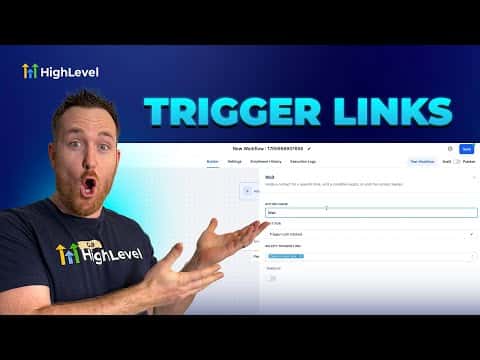
Trigger links are trackable URLs in GoHighLevel that record a contact's click in their timeline and can fire a workflow the moment the click happens. You create one under Marketing, give it a destination URL, and then embed it in emails, SMS messages, or anywhere else a contact might interact with your content.

Watch it, then build it

Get the full platform free for 30 days

That walkthrough runs on GoHighLevel. Start it free through RocketLauncher and you get 30 days instead of the usual 14, the whole platform unlocked, plus our setup help and a community of thousands of builders in 47+ countries.

30 days, not 14Full platform, nothing held backFree community and setup help

We earn a referral commission if you keep GoHighLevel after the trial. It never changes your price.

Summary. GoHighLevel trigger links combine link tracking with workflow automation in a single click. Every time a contact clicks a trigger link, GoHighLevel logs the activity on their contact record and can immediately start a follow-up sequence. Common uses include post-appointment survey links, one-click unsubscribe for SMS or email, lead scoring based on content type clicked, and dynamic URLs that update via custom values without changing your email templates.

Steps

  1. Create a trigger link

    Go to Marketing, then Trigger Links, and click Add New. Give the link a descriptive name and enter the destination URL the contact should land on after clicking.

  2. Add the trigger link to an email or SMS

    Copy the generated trigger link URL and paste it as a hyperlink in your email body, SMS message, or any content a contact will receive.

  3. Build a workflow triggered by the link click

    In Automation, create or edit a workflow and set the trigger to Trigger Link Clicked. Select the specific trigger link from the list. Any contact who clicks it will enter the workflow.

Related tutorials

How to Use the Pageview (Page Visited) Trigger in Workflows
How to Use the Pageview (Page Visited) Trigger in Workflows7:53 · Workflows & Automation
How To Build Abandoned Cart Nurtures For Potential Affiliates
How To Build Abandoned Cart Nurtures For Potential Affiliates8:46 · Workflows & Automation
How to Create Marketplace Workflow Triggers
How to Create Marketplace Workflow Triggers10:27 · Workflows & Automation
How To Use The Drip Action In Workflows
How To Use The Drip Action In Workflows2:50 · Workflows & Automation
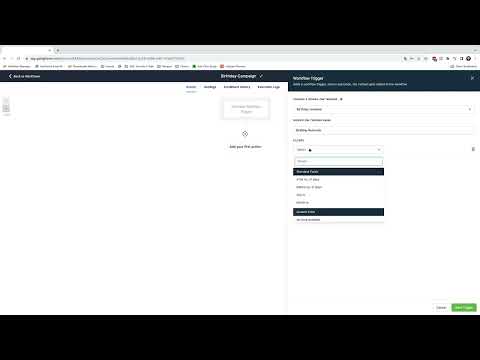
How To Build a Birthday Campaign Using Workflows
How To Build a Birthday Campaign Using Workflows5:11 · Workflows & Automation
How To Copy Workflows Across Sub-Accounts
How To Copy Workflows Across Sub-Accounts2:12 · Workflows & Automation

Watch it, then build it

Get the full platform free for 30 days

30 days, not 14Full platform, nothing held backFree community and setup help

Frequently asked questions

Where does GoHighLevel record trigger link clicks?

Each click appears in the contact's activity timeline inside the CRM.

Can trigger links be used for unsubscribing contacts?

Yes. Clicking the link can trigger a workflow that removes the contact from a communication channel.

What is a dynamic trigger link using custom values?

A trigger link that points to a custom value URL field, so updating the custom value changes the destination across all uses automatically.

Back to all Workflows & Automation tutorials