 4:21
4:21Resumo. GoHighLevel trigger links combine link tracking with workflow automation in a single click. Every time a contact clicks a trigger link, GoHighLevel logs the activity on their contact record and can immediately start a follow-up sequence. Common uses include post-appointment survey links, one-click unsubscribe for SMS or email, lead scoring based on content type clicked, and dynamic URLs that update via custom values without changing your email templates.
Passos
Create a trigger link
Go to Marketing, then Trigger Links, and click Add New. Give the link a descriptive name and enter the destination URL the contact should land on after clicking.
Add the trigger link to an email or SMS
Copy the generated trigger link URL and paste it as a hyperlink in your email body, SMS message, or any content a contact will receive.
Build a workflow triggered by the link click
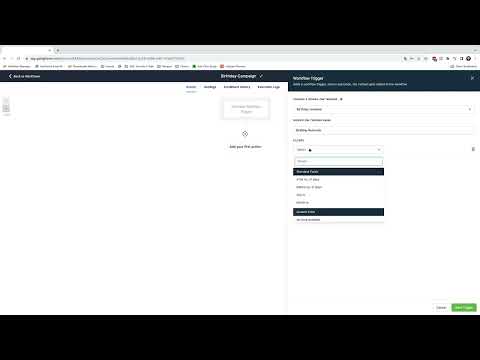
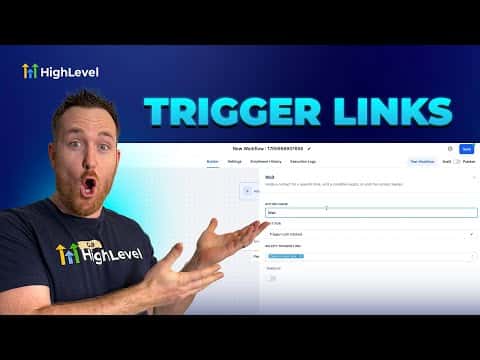
In Automation, create or edit a workflow and set the trigger to Trigger Link Clicked. Select the specific trigger link from the list. Any contact who clicks it will enter the workflow.