RocketLauncher AI

AI & Voice Agents

How to Use GoHighLevel Conversation AI to Reply to Voice Messages

By Marnix Geerkens. Published 2025-12-12. Updated 2026-06-02.

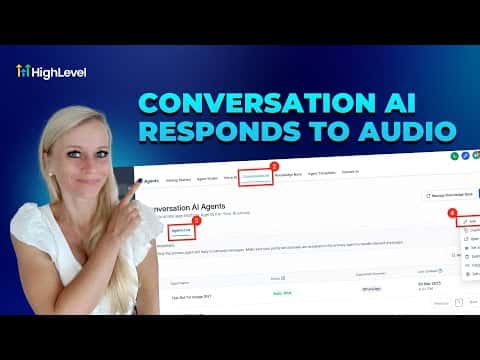
GoHighLevel's Conversation AI can transcribe audio files and voice messages, then reply using the knowledge base you have already built. This means contacts on WhatsApp, Facebook, Instagram, SMS, or MMS can send a voice note and receive a relevant, written reply without any manual work on your end. The bot waits a configurable number of seconds to collect all incoming audio before crafting one response.

Watch it, then build it

Get the full platform free for 30 days

That walkthrough runs on GoHighLevel. Start it free through RocketLauncher and you get 30 days instead of the usual 14, the whole platform unlocked, plus our setup help and a community of thousands of builders in 47+ countries.

30 days, not 14Full platform, nothing held backFree community and setup help

We earn a referral commission if you keep GoHighLevel after the trial. It never changes your price.

Summary. Enabling voice message replies in Conversation AI requires one toggle in the bot's settings, along with a wait-time setting that controls how long the bot pauses before responding. The bot reads each audio message, combines the transcribed content, and produces a single written reply informed by the connected knowledge base. Meta channels such as Facebook, Instagram, and WhatsApp require an open 24-hour conversation window for the bot to reply.
Want the full picture? Read more about GoHighLevel Voice AI and GoHighLevel AI agents.

Related tutorials

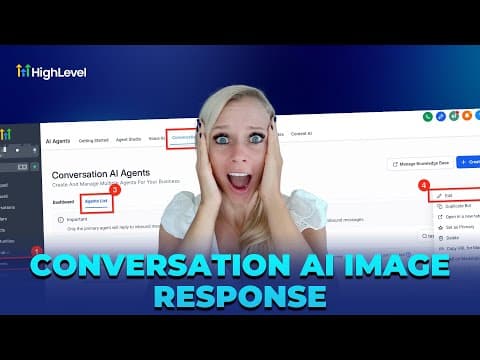
How To Activate Image Analysis in HighLevel AI Bots
How To Activate Image Analysis in HighLevel AI Bots4:07 · AI & Voice Agents
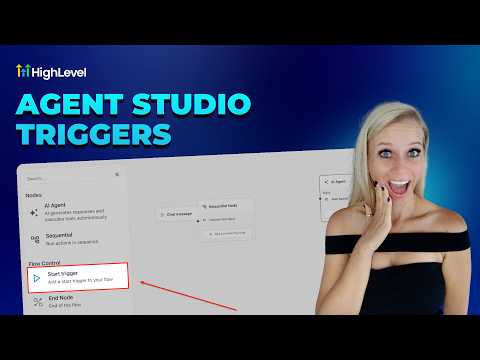
How To Configure Agent Studio Triggers in HighLevel
How To Configure Agent Studio Triggers in HighLevel5:32 · AI & Voice Agents
Did You Know You Can Create an Infinite Growth Flywheel Using AI Agent and Automated Messaging?
Did You Know You Can Create an Infinite Growth Flywheel Using AI Agent and Automated Messaging?5:46 · AI & Voice Agents
How To Build AI Agents in HighLevel Workflows
How To Build AI Agents in HighLevel Workflows9:05 · AI & Voice Agents
How To Use Ask AI in HighLevel to Automate Tasks
How To Use Ask AI in HighLevel to Automate Tasks3:04 · AI & Voice Agents
How to Automate Review Responses with AI Agents
How to Automate Review Responses with AI Agents5:32 · AI & Voice Agents

Watch it, then build it

Get the full platform free for 30 days

30 days, not 14Full platform, nothing held backFree community and setup help

Frequently asked questions

Which channels support voice message replies in Conversation AI?

WhatsApp, Facebook, Instagram, SMS, and MMS are all supported.

What does the wait time setting control?

It sets how long the bot waits, in seconds, before transcribing and replying to audio messages.

Does the 24-hour Meta policy window affect voice message replies?

Yes, the bot can only reply on Meta channels within an active 24-hour conversation window.

Back to all AI & Voice Agents tutorials