RocketLauncher AI

AI & Voice Agents

How to Activate Image Analysis in GoHighLevel AI Bots

By Marnix Geerkens. Published 2025-12-10. Updated 2026-06-02.

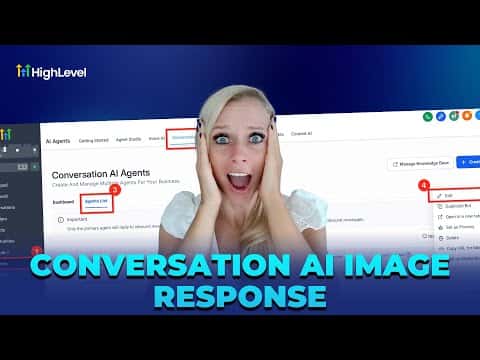
GoHighLevel's Conversation AI bots can read and respond to images sent by contacts, including screenshots, receipts, product photos, and more. Turning on this capability reduces back-and-forth by letting the bot analyze exactly what a contact is seeing rather than asking follow-up questions. It works across the chat widget, SMS, MMS, WhatsApp, Facebook, and Instagram.

Watch it, then build it

Get the full platform free for 30 days

That walkthrough runs on GoHighLevel. Start it free through RocketLauncher and you get 30 days instead of the usual 14, the whole platform unlocked, plus our setup help and a community of thousands of builders in 47+ countries.

30 days, not 14Full platform, nothing held backFree community and setup help

We earn a referral commission if you keep GoHighLevel after the trial. It never changes your price.

Summary. Image analysis for Conversation AI is a single toggle inside the agent's settings. Once enabled, the bot transcribes visual context from JPEG, PNG, and HEIC files and factors that into its reply. A configurable wait time lets the bot collect multiple incoming images or messages before composing one response. Channel-specific delivery limits and size restrictions apply depending on the carrier or platform.
Want the full picture? Read more about GoHighLevel Voice AI and GoHighLevel AI agents.

Related tutorials

How To Build AI Agents in HighLevel Workflows
How To Build AI Agents in HighLevel Workflows9:05 · AI & Voice Agents
How To Use Ask AI in HighLevel to Automate Tasks
How To Use Ask AI in HighLevel to Automate Tasks3:04 · AI & Voice Agents
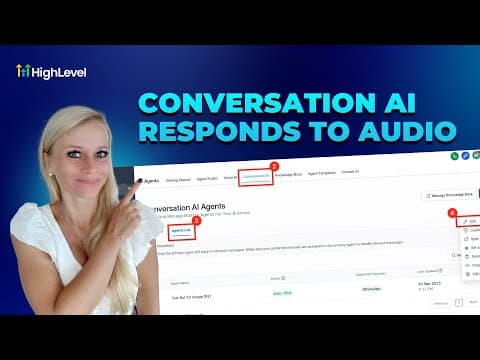
How To Use HighLevel's Conversation AI to Automate Voice Message Replies
How To Use HighLevel's Conversation AI to Automate Voice Message Replies3:50 · AI & Voice Agents
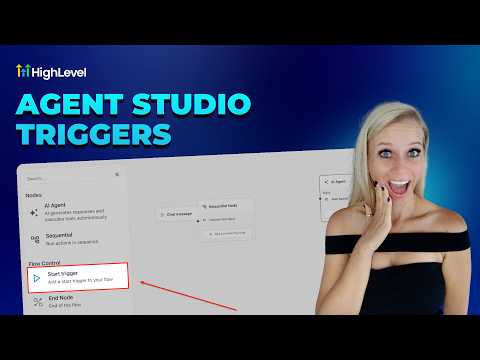
How To Configure Agent Studio Triggers in HighLevel
How To Configure Agent Studio Triggers in HighLevel5:32 · AI & Voice Agents
Did You Know You Can Create an Infinite Growth Flywheel Using AI Agent and Automated Messaging?
Did You Know You Can Create an Infinite Growth Flywheel Using AI Agent and Automated Messaging?5:46 · AI & Voice Agents
How To Build an AI Powered Email Campaign with HighLevel
How To Build an AI Powered Email Campaign with HighLevel5:03 · AI & Voice Agents

Watch it, then build it

Get the full platform free for 30 days

30 days, not 14Full platform, nothing held backFree community and setup help

Frequently asked questions

Which image formats does GoHighLevel Conversation AI support?

JPEG, PNG, and HEIC files are supported for image analysis.

Why set a wait time before the bot replies?

It gives contacts time to send multiple files before the bot composes one coherent reply.

Does image analysis work on all messaging channels?

It works on chat widget, SMS, MMS, WhatsApp, Facebook, and Instagram, with varying size limits.

Back to all AI & Voice Agents tutorials