AI & Voice Agents
How to Build an AI-Powered Email Campaign in GoHighLevel
By Marnix Geerkens. Published 2025-12-15. Updated 2026-06-02.
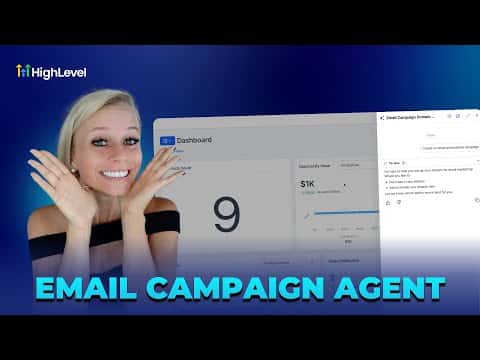
GoHighLevel's Ask AI feature lets you build a complete email campaign from a single chat prompt. It generates the email body, subject lines for A/B testing, audience segments, and a send schedule, all drawing from your brand voice settings so the output sounds like your business rather than a generic template.
Watch it, then build it
Get the full platform free for 30 days
That walkthrough runs on GoHighLevel. Start it free through RocketLauncher and you get 30 days instead of the usual 14, the whole platform unlocked, plus our setup help and a community of thousands of builders in 47+ countries.
30 days, not 14Full platform, nothing held backFree community and setup help
We earn a referral commission if you keep GoHighLevel after the trial. It never changes your price.
Summary. This tutorial covers the full process of creating an AI-driven email campaign inside GoHighLevel. Starting with brand voice setup, it walks through prompting Ask AI to generate a campaign, reviewing the auto-populated email builder, selecting audience segments, configuring A/B subject line tests, and scheduling the send. The result is a complete, on-brand campaign produced in minutes.

Want the full picture? Read more about GoHighLevel Voice AI and GoHighLevel AI agents.
Related tutorials
Watch it, then build it
Get the full platform free for 30 days
30 days, not 14Full platform, nothing held backFree community and setup help
Frequently asked questions
Where do I find the Ask AI button in GoHighLevel?
Top right corner of your location dashboard, next to the search icon.
What is brand voice and why does it matter for AI campaigns?
Brand voice captures your tone and style so AI output sounds like you, not a generic template.
How many subject lines can I A/B test at once?
Up to six subject lines per campaign, with a minimum split to be statistically valid.