AI & Voice Agents

How to Build an AI-Powered Email Campaign in GoHighLevel

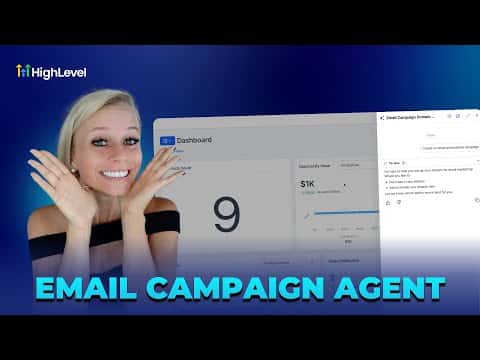
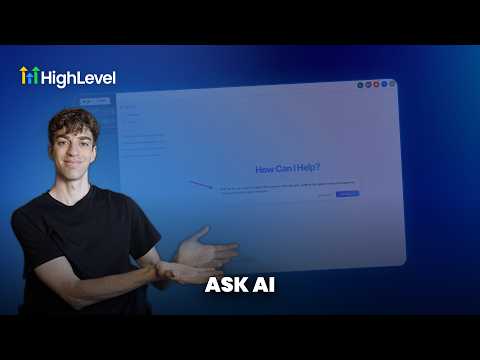
GoHighLevel's Ask AI feature lets you build a complete email campaign from a single chat prompt. It generates the email body, subject lines for A/B testing, audience segments, and a send schedule, all drawing from your brand voice settings so the output sounds like your business rather than a generic template.

2026年6月2日に更新

5:03

概要. This tutorial covers the full process of creating an AI-driven email campaign inside GoHighLevel. Starting with brand voice setup, it walks through prompting Ask AI to generate a campaign, reviewing the auto-populated email builder, selecting audience segments, configuring A/B subject line tests, and scheduling the send. The result is a complete, on-brand campaign produced in minutes.
よくある質問

Where do I find the Ask AI button in GoHighLevel?

Top right corner of your location dashboard, next to the search icon.

What is brand voice and why does it matter for AI campaigns?

Brand voice captures your tone and style so AI output sounds like you, not a generic template.

How many subject lines can I A/B test at once?

Up to six subject lines per campaign, with a minimum split to be statistically valid.

すでに作った人たちと、一緒に作ろう。

無料コミュニティに参加しましょう。毎週のライブ通話、最初に見るコース、あなたの言語のビルダーがいます。

Skoolに無料で参加