AI & Voice Agents

How to Build AI Agents in GoHighLevel Workflows

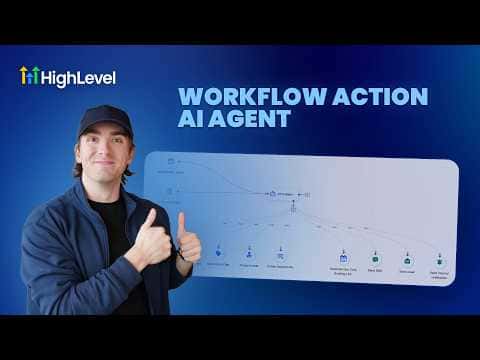
The AI Agent workflow action in GoHighLevel lets you add an autonomous AI step to any automation. You give it a plain-language instruction, attach tools like Send Email, Send SMS, or Create Opportunity, and the agent decides at runtime which tool to use. This removes the need for rigidly branched logic when the right action depends on context.

2026年6月2日に更新

9:05

概要. GoHighLevel's AI Agent workflow action accepts a prompt and a set of tool attachments, then decides autonomously which tools to invoke when the workflow runs. Built-in templates cover common use cases such as form lead follow-up, and each template highlights which values need customizing, including tags, users, pipelines, and stages. Execution logs, token usage, and step-by-step traces are available for monitoring after publish.
よくある質問

How many tools can an AI Agent action use?

Over a hundred tools are available, covering most standard workflow actions.

Can I use pre-built templates with the AI Agent action?

Yes, HighLevel provides templates that pre-fill the prompt and tool configuration.

Which AI models are available for the agent?

Several OpenAI options are selectable from the model dropdown in the action settings.

すでに作った人たちと、一緒に作ろう。

無料コミュニティに参加しましょう。毎週のライブ通話、最初に見るコース、あなたの言語のビルダーがいます。

Skoolに無料で参加