AI & Voice Agents

How to Activate Image Analysis in GoHighLevel AI Bots

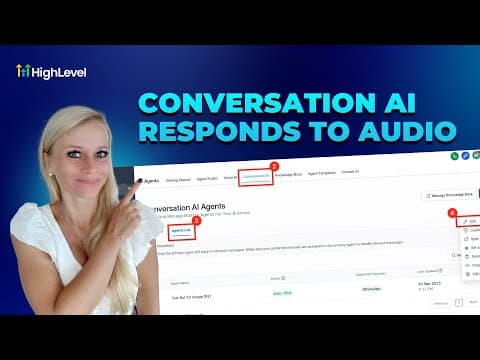
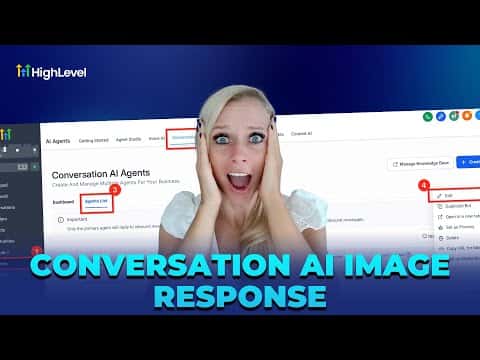
GoHighLevel's Conversation AI bots can read and respond to images sent by contacts, including screenshots, receipts, product photos, and more. Turning on this capability reduces back-and-forth by letting the bot analyze exactly what a contact is seeing rather than asking follow-up questions. It works across the chat widget, SMS, MMS, WhatsApp, Facebook, and Instagram.

2026年6月2日に更新

4:07

概要. Image analysis for Conversation AI is a single toggle inside the agent's settings. Once enabled, the bot transcribes visual context from JPEG, PNG, and HEIC files and factors that into its reply. A configurable wait time lets the bot collect multiple incoming images or messages before composing one response. Channel-specific delivery limits and size restrictions apply depending on the carrier or platform.
よくある質問

Which image formats does GoHighLevel Conversation AI support?

JPEG, PNG, and HEIC files are supported for image analysis.

Why set a wait time before the bot replies?

It gives contacts time to send multiple files before the bot composes one coherent reply.

Does image analysis work on all messaging channels?

It works on chat widget, SMS, MMS, WhatsApp, Facebook, and Instagram, with varying size limits.

すでに作った人たちと、一緒に作ろう。

無料コミュニティに参加しましょう。毎週のライブ通話、最初に見るコース、あなたの言語のビルダーがいます。

Skoolに無料で参加