AI & Voice Agents

How to Use GoHighLevel Conversation AI to Reply to Voice Messages

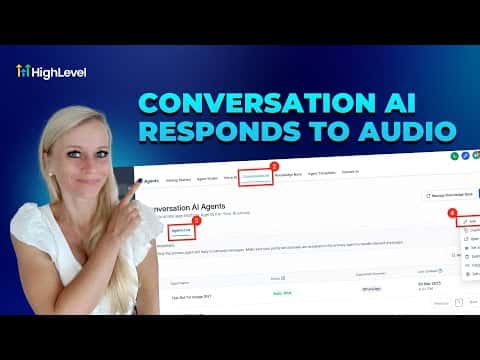
GoHighLevel's Conversation AI can transcribe audio files and voice messages, then reply using the knowledge base you have already built. This means contacts on WhatsApp, Facebook, Instagram, SMS, or MMS can send a voice note and receive a relevant, written reply without any manual work on your end. The bot waits a configurable number of seconds to collect all incoming audio before crafting one response.

Atualizado em 2 de junho de 2026

3:50

Resumo. Enabling voice message replies in Conversation AI requires one toggle in the bot's settings, along with a wait-time setting that controls how long the bot pauses before responding. The bot reads each audio message, combines the transcribed content, and produces a single written reply informed by the connected knowledge base. Meta channels such as Facebook, Instagram, and WhatsApp require an open 24-hour conversation window for the bot to reply.
Perguntas frequentes

Which channels support voice message replies in Conversation AI?

WhatsApp, Facebook, Instagram, SMS, and MMS are all supported.

What does the wait time setting control?

It sets how long the bot waits, in seconds, before transcribing and replying to audio messages.

Does the 24-hour Meta policy window affect voice message replies?

Yes, the bot can only reply on Meta channels within an active 24-hour conversation window.

Crie com quem já criou.

Entre na comunidade gratuita: lives semanais, um curso para começar e criadores no seu idioma.

Entre de graça no Skool