RocketLauncher AI

AI & Voice Agents

How to Use Multiple Specialized AI Agents in GoHighLevel

By Marnix Geerkens. Published 2025-10-06. Updated 2026-06-02.

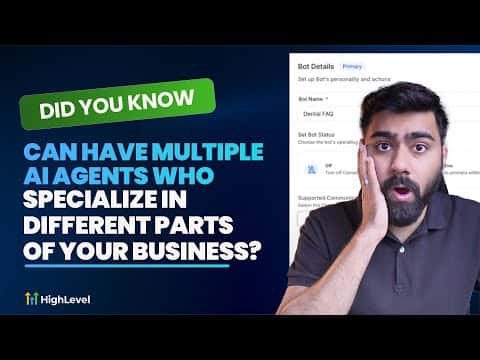
GoHighLevel allows you to run several Conversation AI agents in parallel, each trained for a specific job. One agent handles FAQs, another manages appointment booking, and a bot transfer action moves the conversation between them when the context shifts. This keeps each agent focused on a narrow task, which improves accuracy and response quality.

Watch it, then build it

Get the full platform free for 30 days

That walkthrough runs on GoHighLevel. Start it free through RocketLauncher and you get 30 days instead of the usual 14, the whole platform unlocked, plus our setup help and a community of thousands of builders in 47+ countries.

30 days, not 14Full platform, nothing held backFree community and setup help

We earn a referral commission if you keep GoHighLevel after the trial. It never changes your price.

Summary. Specialized agents in GoHighLevel are set up inside the Conversation AI section, where each agent gets its own prompt, knowledge base, channels, and configured actions. A bot transfer action inside an agent triggers when a set condition is met, such as a contact asking to book an appointment, passing the conversation to the appropriate agent. The receiving agent picks up the thread with full context so the handoff feels seamless to the contact.

Want the full picture? Read more about GoHighLevel Voice AI and GoHighLevel AI agents.

Related tutorials

Did You Know You Can Resell Voice AI Agents in HighLevel?
Did You Know You Can Resell Voice AI Agents in HighLevel?1:46 · AI & Voice Agents
How to Transform Your Chat Widget to Use a Voice AI Agent for Better Customer Interaction
How to Transform Your Chat Widget to Use a Voice AI Agent for Better Customer Interaction3:42 · AI & Voice Agents
How to Configure Language Options for AI Agents
How to Configure Language Options for AI Agents2:24 · AI & Voice Agents
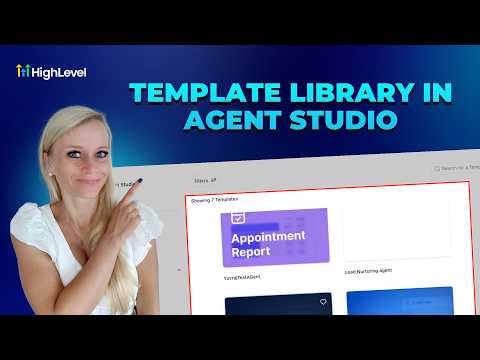
How To Use HighLevel's Agent Studio Template Library
How To Use HighLevel's Agent Studio Template Library3:52 · AI & Voice Agents
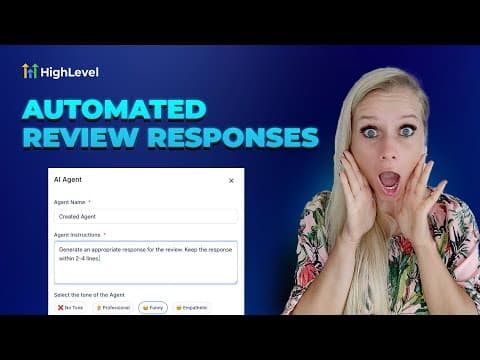
How to Automate Review Responses with AI Agents
How to Automate Review Responses with AI Agents5:32 · AI & Voice Agents
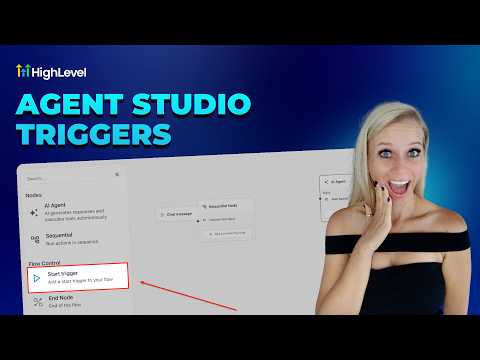
How To Configure Agent Studio Triggers in HighLevel
How To Configure Agent Studio Triggers in HighLevel5:32 · AI & Voice Agents

Watch it, then build it

Get the full platform free for 30 days

30 days, not 14Full platform, nothing held backFree community and setup help

Frequently asked questions

How does one AI agent hand off a conversation to another?

A bot transfer action fires when a defined condition is met, switching the active agent.

Can specialized agents operate on the same messaging channels?

Yes, multiple agents can be enabled on the same channels and activate based on context.

What happens if neither specialized agent can help a contact?

A human handover action can be configured as a fallback inside any agent's goals.

Back to all AI & Voice Agents tutorials