Workflows & Automation
How to Disable or Pause Nodes in the GoHighLevel Advanced Workflow Builder
By Marnix Geerkens. Published 2026-03-13. Updated 2026-06-02.
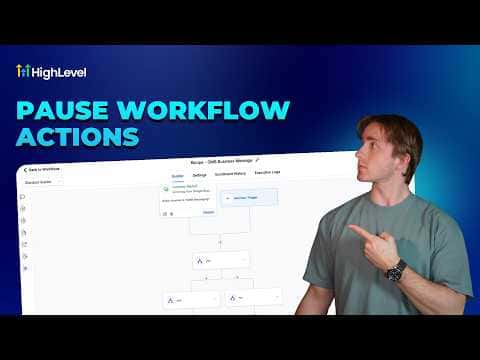
Inside the GoHighLevel Advanced Workflow Builder you can disable any action node by hovering over it and clicking the pause icon. Contacts skip disabled nodes and keep moving through active ones, so you can test parts of a workflow, create conditional variants, or temporarily mute an action without deleting anything. Re-enabling is one click on the play icon.
Watch it, then build it
Get the full platform free for 30 days
That walkthrough runs on GoHighLevel. Start it free through RocketLauncher and you get 30 days instead of the usual 14, the whole platform unlocked, plus our setup help and a community of thousands of builders in 47+ countries.
30 days, not 14Full platform, nothing held backFree community and setup help
We earn a referral commission if you keep GoHighLevel after the trial. It never changes your price.
Summary. GoHighLevel's Advanced Workflow Builder lets you pause individual action nodes so contacts skip them without interrupting the rest of the workflow. This is useful for A/B testing, troubleshooting, and maintaining alternate workflow paths without rebuilding them. Triggers cannot be paused, and a small set of internal flow-control actions (wait timers, go-to steps, conditions) also cannot be disabled.

Related tutorials
Watch it, then build it
Get the full platform free for 30 days
30 days, not 14Full platform, nothing held backFree community and setup help
Frequently asked questions
Can I pause a trigger in the Advanced Workflow Builder?
No. Only action nodes can be paused; triggers must stay active.
Which internal actions cannot be disabled?
Wait timers, go-to steps, conditions, goal events, and drip actions cannot be paused.
Is this feature available in the standard workflow builder?
No. Node pausing is exclusive to the Advanced Workflow Builder.