RocketLauncher AI

WhatsApp

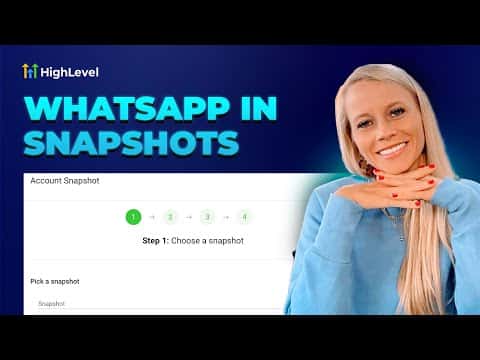
How to Add WhatsApp Templates to GoHighLevel Snapshots

By Marnix Geerkens. Published 2025-09-10. Updated 2026-06-02.

GoHighLevel snapshots can include WhatsApp message templates, so when you push a snapshot to a new sub-account the templates come along with it. This saves time when onboarding clients because your approved WhatsApp messaging assets transfer in one step rather than being rebuilt from scratch inside each account.

Watch it, then build it

Get the full platform free for 30 days

That walkthrough runs on GoHighLevel. Start it free through RocketLauncher and you get 30 days instead of the usual 14, the whole platform unlocked, plus our setup help and a community of thousands of builders in 47+ countries.

30 days, not 14Full platform, nothing held backFree community and setup help

We earn a referral commission if you keep GoHighLevel after the trial. It never changes your price.

Summary. Including WhatsApp templates in a snapshot means any sub-account that receives the snapshot gets your pre-built templates automatically. This is useful for agencies managing many client accounts with similar messaging workflows. The templates still go through Meta's approval process in each destination account, but the structure and content carry over without manual re-entry.
Related tutorials

How to Use Custom Variables to Create WhatsApp Templates, Triggers, and Actions
How to Use Custom Variables to Create WhatsApp Templates, Triggers, and Actions4:16 · WhatsApp
How to Create and Use WhatsApp Message Templates in HighLevel
How to Create and Use WhatsApp Message Templates in HighLevel5:46 · WhatsApp
How to Send Voice Notes on WhatsApp Through the HighLevel Mobile App
How to Send Voice Notes on WhatsApp Through the HighLevel Mobile App1:42 · WhatsApp
How to Set Up Interactive CTA Buttons for WhatsApp
How to Set Up Interactive CTA Buttons for WhatsApp6:37 · WhatsApp
How to Use WhatsApp Conversation Rebilling
How to Use WhatsApp Conversation Rebilling1:48 · WhatsApp
How To Deploy WhatsApp Directly For a Location
How To Deploy WhatsApp Directly For a Location1:44 · WhatsApp

Watch it, then build it

Get the full platform free for 30 days

30 days, not 14Full platform, nothing held backFree community and setup help

Frequently asked questions

Do WhatsApp templates in a snapshot get approved automatically in new accounts?

No. They transfer with the content intact but must be submitted to Meta for approval in each new sub-account.

Where do I manage snapshots in GoHighLevel?

In Agency view under the Snapshots section. You can create, edit, and push snapshots from there.

Can I include other WhatsApp assets besides templates in a snapshot?

Snapshots can include workflows, funnels, and other assets. Check the snapshot builder for the current list of supported asset types.

Back to all WhatsApp tutorials