WhatsApp

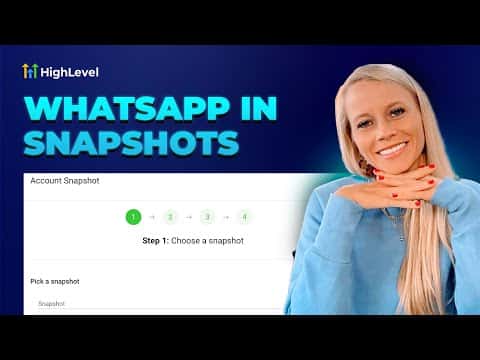
How to Add WhatsApp Templates to GoHighLevel Snapshots

GoHighLevel snapshots can include WhatsApp message templates, so when you push a snapshot to a new sub-account the templates come along with it. This saves time when onboarding clients because your approved WhatsApp messaging assets transfer in one step rather than being rebuilt from scratch inside each account.

Actualizado el 2 de junio de 2026

2:56

Resumen. Including WhatsApp templates in a snapshot means any sub-account that receives the snapshot gets your pre-built templates automatically. This is useful for agencies managing many client accounts with similar messaging workflows. The templates still go through Meta's approval process in each destination account, but the structure and content carry over without manual re-entry.
Preguntas frecuentes

Do WhatsApp templates in a snapshot get approved automatically in new accounts?

No. They transfer with the content intact but must be submitted to Meta for approval in each new sub-account.

Where do I manage snapshots in GoHighLevel?

In Agency view under the Snapshots section. You can create, edit, and push snapshots from there.

Can I include other WhatsApp assets besides templates in a snapshot?

Snapshots can include workflows, funnels, and other assets. Check the snapshot builder for the current list of supported asset types.

Constrúyelo con gente que ya lo hizo.

Únete a la comunidad gratis: llamadas en vivo cada semana, un curso para empezar y gente que construye en tu idioma.

Únete gratis en Skool