RocketLauncher AI

Social Media

How to Sync Facebook Posts in GoHighLevel Social Planner

By Marnix Geerkens. Published 2026-05-09. Updated 2026-06-02.

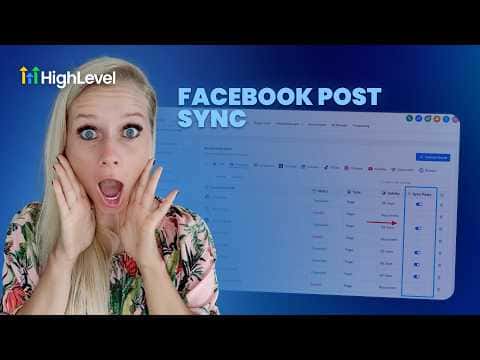
GoHighLevel's Social Planner can pull in posts you published directly on Facebook, outside the planner. Once you turn on post syncing, it imports the last 30 days of content, including text, images, and videos, and refreshes every 24 hours. This gives you one place to see performance data for both planner-scheduled posts and posts you published natively on Facebook.

Watch it, then build it

Get the full platform free for 30 days

That walkthrough runs on GoHighLevel. Start it free through RocketLauncher and you get 30 days instead of the usual 14, the whole platform unlocked, plus our setup help and a community of thousands of builders in 47+ countries.

30 days, not 14Full platform, nothing held backFree community and setup help

We earn a referral commission if you keep GoHighLevel after the trial. It never changes your price.

Summary. The Facebook post sync feature in GoHighLevel's Social Planner imports previously published Facebook content into the planner automatically. Syncing covers the last 30 days and repeats every 24 hours, covering text, images, and videos. Once active, the Statistics view shows combined analytics across planner posts and directly published Facebook posts, so you can compare what performed well without switching between tools.
Related tutorials

Did You Know You Can Run All Your Socials from the HighLevel Mobile App?
Did You Know You Can Run All Your Socials from the HighLevel Mobile App?1:41 · Social Media
How To Manage Social Media Comments Using HighLevel Social Planner
How To Manage Social Media Comments Using HighLevel Social Planner2:55 · Social Media
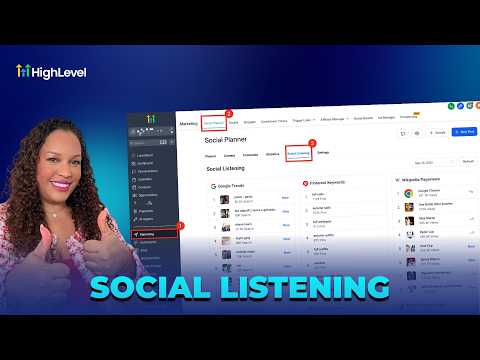
How To Stay Ahead of the Curve with HighLevel's Social Listening
How To Stay Ahead of the Curve with HighLevel's Social Listening3:19 · Social Media
How to Bulk Schedule Social Media Posts with CSV Files in HighLevel
How to Bulk Schedule Social Media Posts with CSV Files in HighLevel8:02 · Social Media
How to Design Engaging Carousel Ads for Social Media
How to Design Engaging Carousel Ads for Social Media3:18 · Social Media
Facebook Integration Step by Step
Facebook Integration Step by Step11:06 · Social Media

Watch it, then build it

Get the full platform free for 30 days

30 days, not 14Full platform, nothing held backFree community and setup help

Frequently asked questions

Where do I enable Facebook post syncing in GoHighLevel?

Go to Social Planner, open Settings, select Facebook, then toggle on sync posts.

How far back does the sync import Facebook posts?

It pulls posts from the last 30 days and re-syncs every 24 hours.

What happens if my Facebook page gets disconnected?

Syncing stops. Reconnect the page and refresh the token to resume.

Back to all Social Media tutorials