Social Media

How to Sync Facebook Posts in GoHighLevel Social Planner

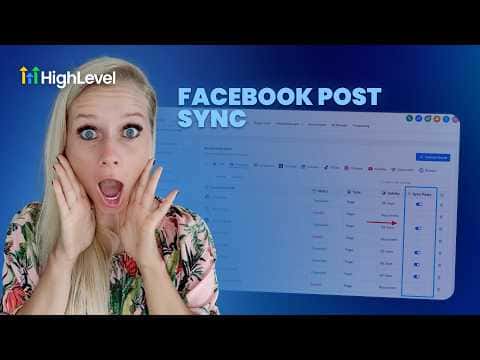
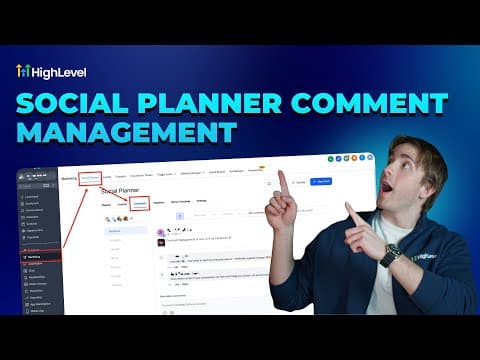
GoHighLevel's Social Planner can pull in posts you published directly on Facebook, outside the planner. Once you turn on post syncing, it imports the last 30 days of content, including text, images, and videos, and refreshes every 24 hours. This gives you one place to see performance data for both planner-scheduled posts and posts you published natively on Facebook.

2026年6月2日に更新

2:07

概要. The Facebook post sync feature in GoHighLevel's Social Planner imports previously published Facebook content into the planner automatically. Syncing covers the last 30 days and repeats every 24 hours, covering text, images, and videos. Once active, the Statistics view shows combined analytics across planner posts and directly published Facebook posts, so you can compare what performed well without switching between tools.
よくある質問

Where do I enable Facebook post syncing in GoHighLevel?

Go to Social Planner, open Settings, select Facebook, then toggle on sync posts.

How far back does the sync import Facebook posts?

It pulls posts from the last 30 days and re-syncs every 24 hours.

What happens if my Facebook page gets disconnected?

Syncing stops. Reconnect the page and refresh the token to resume.

すでに作った人たちと、一緒に作ろう。

無料コミュニティに参加しましょう。毎週のライブ通話、最初に見るコース、あなたの言語のビルダーがいます。

Skoolに無料で参加