 11:06
11:06概要. The GoHighLevel Facebook integration links a Facebook Page and ad account to a sub-account so that lead form submissions flow in as contacts automatically. After connecting, you map the Facebook form fields to GoHighLevel contact fields, create a trigger for the form submission event, and attach campaign enrollment or pipeline actions. The full setup from connection to first live trigger takes under 15 minutes.
ステップ
Connect Facebook in sub-account Integrations
Open Settings in the sub-account and click Integrations. Find Facebook and click Connect. When the Facebook dialog appears, click Edit Settings rather than Continue so you can choose exactly which Pages to authorize.
Select the Page and ad account
Choose the Facebook Page you want to connect and click Done. Back in GoHighLevel, select the Page from the dropdown and optionally associate an ad account. If there is no relevant ad account, leave it blank and save.
Map Facebook form fields
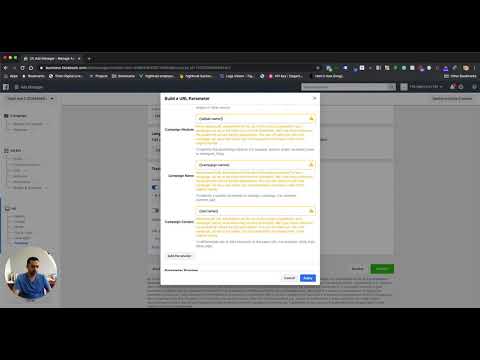
Navigate to the Facebook Form Field Mapping section. If no forms appear, it means no lead forms exist on the connected Page yet. Create a lead ad form in Meta Ads Manager first, then return here. Once the form is visible, click Map Fields and confirm each field maps to the correct GoHighLevel contact field.