Social Media

How to Manage Social Media from the GoHighLevel Mobile App

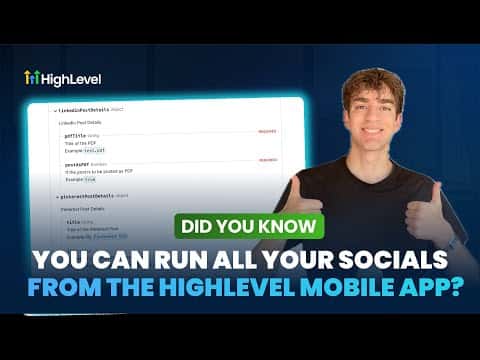
The GoHighLevel mobile app includes a full Social Planner, so you can create, schedule, and publish posts across multiple platforms without opening a laptop. Connect your Facebook, Instagram, TikTok, and YouTube accounts, then draft posts, pick media from your gallery, set advanced options like watermarks and categories, and choose exactly where each post goes, whether the feed, a reel, or a story.

2026年6月2日に更新

1:41

概要. GoHighLevel's mobile app lets you manage your entire social media calendar from your phone. You can connect multiple social accounts, upload media, configure per-channel posting options, and schedule posts in advance, all from the Social Planner inside the app. Enabling push notifications means you get alerted when posts go live or when someone engages, so you can respond without delay.
よくある質問

Which social platforms can I post to from the GoHighLevel mobile app?

Facebook, Instagram, TikTok, and YouTube are all supported.

Can I schedule posts in advance from the mobile app?

Yes, pick a date and time from the scheduling screen before confirming.

How do I get notified when a post goes live or gets a comment?

Enable push notifications in the app to receive alerts for both.

すでに作った人たちと、一緒に作ろう。

無料コミュニティに参加しましょう。毎週のライブ通話、最初に見るコース、あなたの言語のビルダーがいます。

Skoolに無料で参加