Memberships & Courses
How to Host Livestreaming Webinars and Community Events in GoHighLevel
By Marnix Geerkens. Published 2025-11-03. Updated 2026-06-02.
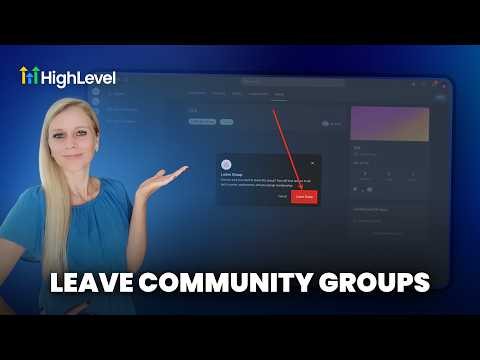
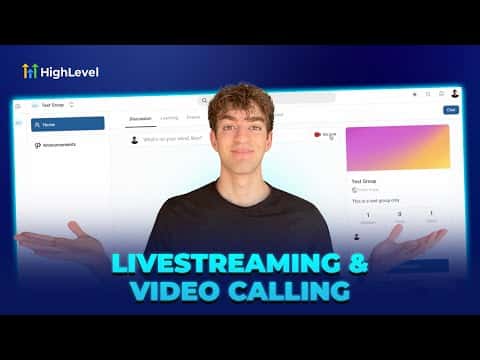
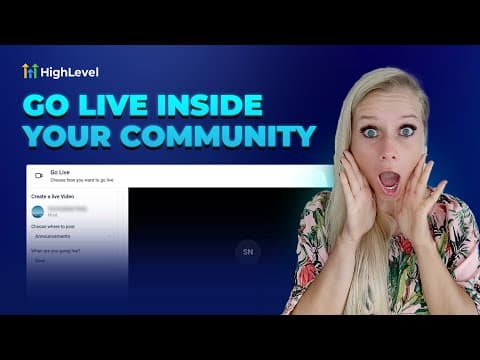
GoHighLevel includes a built-in live streaming and video calling engine called Media Core. You can run live webinars, host community meetings, or broadcast events without leaving the platform. No Zoom account or third-party tool required. Access it through Webinars under Sites, or from the Go Live button inside any community group.
Watch it, then build it
Get the full platform free for 30 days
That walkthrough runs on GoHighLevel. Start it free through RocketLauncher and you get 30 days instead of the usual 14, the whole platform unlocked, plus our setup help and a community of thousands of builders in 47+ countries.
30 days, not 14Full platform, nothing held backFree community and setup help
We earn a referral commission if you keep GoHighLevel after the trial. It never changes your price.
Summary. GoHighLevel's Media Core powers native live video inside webinars and community groups. Two modes are available: a meeting room for interactive sessions where participants can turn on cameras and chat, and a stream software mode that generates a stream key for tools like OBS or Streamyard. Replays are saved automatically and can be shared inside courses or group channels so members who missed the live session can watch later.
Related tutorials
Watch it, then build it
Get the full platform free for 30 days
30 days, not 14Full platform, nothing held backFree community and setup help
Frequently asked questions
Do I need Zoom to run webinars in GoHighLevel?
No. GoHighLevel's Media Core runs live video natively inside your account.
Can I use OBS or Streamyard with GoHighLevel live streaming?
Yes, switch to stream software mode to get a stream key and server URL for external tools.
Are live session replays saved automatically?
Yes, replays can be saved and shared inside your community or courses after the event ends.