Memberships & Courses

How to Host Livestreaming Webinars and Community Events in GoHighLevel

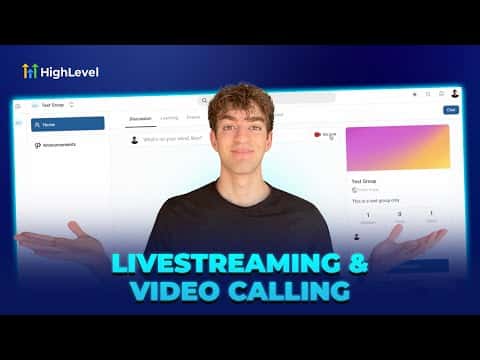
GoHighLevel includes a built-in live streaming and video calling engine called Media Core. You can run live webinars, host community meetings, or broadcast events without leaving the platform. No Zoom account or third-party tool required. Access it through Webinars under Sites, or from the Go Live button inside any community group.

2026年6月2日に更新

2:02

概要. GoHighLevel's Media Core powers native live video inside webinars and community groups. Two modes are available: a meeting room for interactive sessions where participants can turn on cameras and chat, and a stream software mode that generates a stream key for tools like OBS or Streamyard. Replays are saved automatically and can be shared inside courses or group channels so members who missed the live session can watch later.

よくある質問

Do I need Zoom to run webinars in GoHighLevel?

No. GoHighLevel's Media Core runs live video natively inside your account.

Can I use OBS or Streamyard with GoHighLevel live streaming?

Yes, switch to stream software mode to get a stream key and server URL for external tools.

Are live session replays saved automatically?

Yes, replays can be saved and shared inside your community or courses after the event ends.

すでに作った人たちと、一緒に作ろう。

無料コミュニティに参加しましょう。毎週のライブ通話、最初に見るコース、あなたの言語のビルダーがいます。

Skoolに無料で参加