 3:10
3:10概要. GoHighLevel includes a built-in community builder under Memberships that lets you create groups for coaching programs, masterminds, or client portals. You set up a group name, description, and permissions, then invite contacts through the platform or share a join link. Members can interact through posts, discussions, and course content without leaving your branded environment.
学べること
- Where to find the community builder inside your GoHighLevel account
- How to create a new group with a name and description
- How to configure group settings and permissions
- How to invite contacts into your community
- How your community connects to courses and the client portal
ステップ
Open Memberships
In the left sidebar of your GoHighLevel account, click Memberships. Then click Communities at the top of the page.
Create a new group
Click the Groups tab, then click Create Group. Enter a group name and a short description that tells members what the community is about.
Configure group details
Add a cover image and profile image to brand the group. Set whether the group is public (anyone with the link can join) or private (admin approval required).
Set up channels
Inside the group, add channels for different topics such as announcements, Q&A, or course discussions. Channels keep conversations organized.
Invite your contacts
Go to your Contacts list, find the contact you want to add, and scroll to the Offers section to enroll them. You can also share the group's join link or send a magic link from Sites, then Client Portal.
Link courses to the community
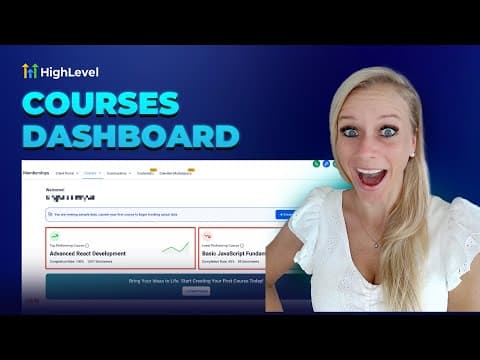
Inside the community, go to Learnings and click Add Course to attach any course product you have built. Members can then browse and purchase or access enrolled courses from within the group.
Verify the client portal URL
Go to Sites, then Client Portal, then Dashboard to confirm your portal URL is set. Share this URL with members so they can access the community and any courses from a single login.
ヒント
- Use private groups for paid communities and public groups for free lead-generation communities.
- Add a welcome channel and pin an introduction post so new members know what to do first.
- The Kollab mobile app (by LeadConnector) lets members access your community from their phone, which increases engagement.