Calendars & Booking
How GoHighLevel AI Books Appointments Around the Clock
By Marnix Geerkens. Published 2026-01-27. Updated 2026-06-02.
GoHighLevel includes a voice AI agent that answers inbound calls, responds to common questions, checks calendar availability, and books appointments without a person on the other end. Set up a calendar, create a voice AI agent from the GoHighLevel marketplace, connect a phone number, and the agent handles calls day or night. It also sends follow-up messages to no-shows and attempts to rebook them.
Watch it, then build it
Get the full platform free for 30 days
That walkthrough runs on GoHighLevel. Start it free through RocketLauncher and you get 30 days instead of the usual 14, the whole platform unlocked, plus our setup help and a community of thousands of builders in 47+ countries.
30 days, not 14Full platform, nothing held backFree community and setup help
We earn a referral commission if you keep GoHighLevel after the trial. It never changes your price.
Summary. This overview explains how to deploy a GoHighLevel voice AI agent as an always-on receptionist that books appointments from phone calls. It walks through creating a calendar, selecting or building an AI agent, training it with a knowledge base, writing the bot prompt, adding bot actions like SMS sends or call transfers, and assigning a phone number with working hours. The same agent can be copied across multiple client accounts.
Steps
Create the calendar
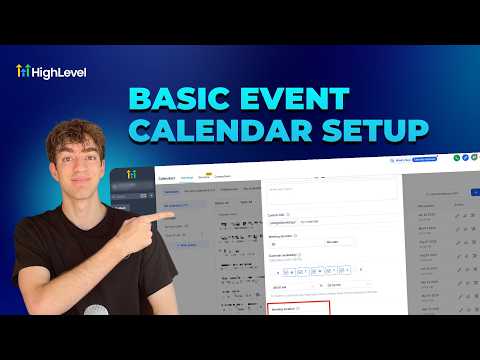
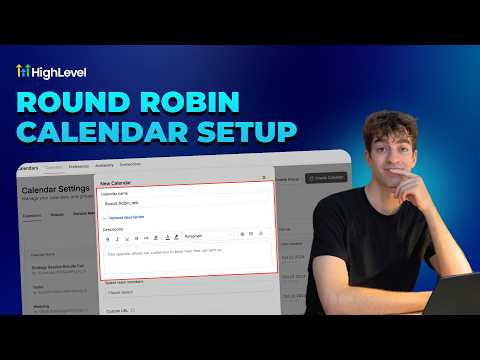
Go to Settings, then Calendars, click New Calendar, choose the calendar type, set availability, and save.
Open Voice AI Agents
Still in Settings, find Voice AI Agents and click Create Agent. Browse the marketplace for a booking-focused template if you prefer a starting point.
Name and configure the agent
Give the agent a name and your business name, select a language, and choose a voice from the available options. Click Save Voice.
Add a knowledge base and prompt
Under Agent Goals, attach a knowledge base by scraping relevant web pages or connecting a document. Write a clear prompt that describes how the agent should handle calls and when to book versus transfer.
Set up bot actions
Add actions like sending an SMS confirmation or transferring to a live person after a threshold. These extend what the AI can do beyond basic conversation.
Assign a phone number and hours
Under Phone and Availability, choose a plan, map a phone number, and define working hours. Enable backup mode so the AI picks up calls that go unanswered after a few rings.

Related tutorials
Watch it, then build it
Get the full platform free for 30 days
30 days, not 14Full platform, nothing held backFree community and setup help
Frequently asked questions
Can the voice AI agent handle calls in languages other than English?
Yes. Language selection is part of the agent setup and multiple options are available.
What happens when the AI cannot answer a question?
A bot action can transfer the call to a team member or send a follow-up SMS for a human to respond.
Can I replicate this agent for multiple client accounts?
Yes. The agent configuration can be copied to other sub-accounts from the agency level.