
RocketLauncher AI

Calendars & Booking

How to Collect Upfront Payments for Appointments in GoHighLevel

By Marnix Geerkens. Published 2026-03-27. Updated 2026-06-02.

GoHighLevel lets you require payment before a booking is confirmed. You create a calendar, toggle on Accept Payments, set a price, and the booking form collects card details before the slot is reserved. This removes unpaid no-shows from your schedule because only people who pay can hold a time.

Watch it, then build it

Get the full platform free for 30 days

That walkthrough runs on GoHighLevel. Start it free through RocketLauncher and you get 30 days instead of the usual 14, the whole platform unlocked, plus our setup help and a community of thousands of builders in 47+ countries.

30 days, not 14Full platform, nothing held backFree community and setup help

We earn a referral commission if you keep GoHighLevel after the trial. It never changes your price.

Summary. GoHighLevel includes a built-in paid calendar feature that gates appointment booking behind an upfront payment. After creating a calendar and enabling the payment toggle, you set a price and currency. Clients then complete a standard booking flow that ends with a payment step, so every confirmed appointment comes with funds already collected.
Related tutorials

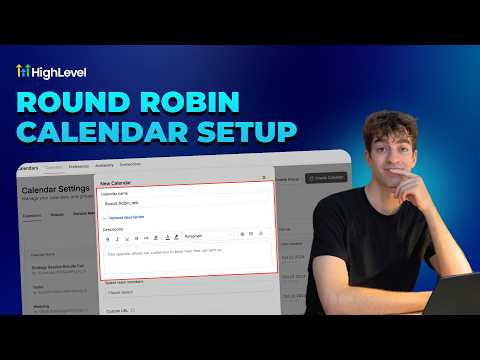
How To Set Up Round Robin Calendars in HighLevel
How To Set Up Round Robin Calendars in HighLevel3:03 · Calendars & Booking
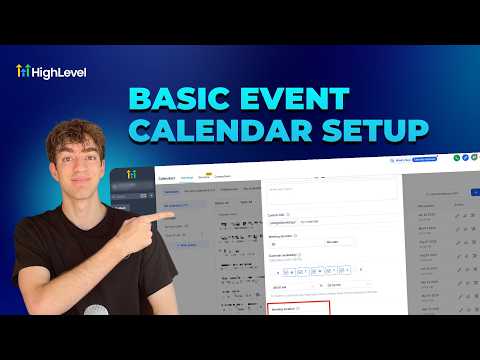
How To Set Up Event Calendars in HighLevel
How To Set Up Event Calendars in HighLevel2:43 · Calendars & Booking
How to Seamlessly Access Custom Form Data in Appointment Modal
How to Seamlessly Access Custom Form Data in Appointment Modal1:59 · Calendars & Booking
Did You Know Marketing Agencies Can Automate Client Check Ins with HighLevel?
Did You Know Marketing Agencies Can Automate Client Check Ins with HighLevel?2:09 · Calendars & Booking
Did You Know HighLevel AI Can Book Appointments While You Sleep?
Did You Know HighLevel AI Can Book Appointments While You Sleep?3:42 · Calendars & Booking
Did You Know You Can Simplify Client Scheduling with Smart Calendars in HighLevel?
Did You Know You Can Simplify Client Scheduling with Smart Calendars in HighLevel?2:04 · Calendars & Booking

Watch it, then build it

Get the full platform free for 30 days

30 days, not 14Full platform, nothing held backFree community and setup help

Frequently asked questions

Do clients pay inside GoHighLevel or through a third-party checkout?

Payment is collected within the GoHighLevel booking form, no external checkout needed.

Can I choose any currency for the appointment fee?

Yes, a currency selector in Calendar Settings lets you pick your preferred currency.

Will existing free calendars be affected when I create a paid one?

No, each calendar is configured independently and existing calendars stay unchanged.

Back to all Calendars & Booking tutorials