RocketLauncher AI

Reviews & Reputation

How to Send Multi-Channel Review Requests in GoHighLevel

By Marnix Geerkens. Published 2025-09-24. Updated 2026-06-02.

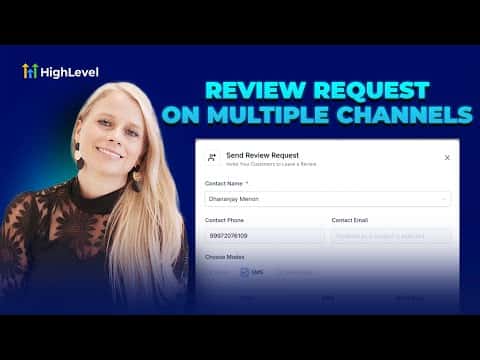
GoHighLevel can send review requests through email, SMS, and WhatsApp from a single workflow. Enable each channel in Reputation settings, customize the templates, set retry timing so requests resend if the contact has not clicked yet, then send directly from the Requests tab. More touchpoints means more reviews, which raises your Google ranking and brings in more clients.

Watch it, then build it

Get the full platform free for 30 days

That walkthrough runs on GoHighLevel. Start it free through RocketLauncher and you get 30 days instead of the usual 14, the whole platform unlocked, plus our setup help and a community of thousands of builders in 47+ countries.

30 days, not 14Full platform, nothing held backFree community and setup help

We earn a referral commission if you keep GoHighLevel after the trial. It never changes your price.

Summary. GoHighLevel's multi-channel review request feature lets you reach contacts through email, SMS, and WhatsApp simultaneously or individually, all from the Reputation section. Each channel has its own customizable template, and the email channel supports scheduled retries so GoHighLevel follows up automatically until the contact clicks. WhatsApp templates require Meta approval before sending. Contacts need a stored email or phone number before a request can go out.


Related tutorials

How to Integrate Multi-Platform Reviews into Your Dashboard
How to Integrate Multi-Platform Reviews into Your Dashboard2:00 · Reviews & Reputation
How to Set Up Yext for Re-Selling
How to Set Up Yext for Re-Selling2:59 · Reviews & Reputation
How To Build Review Widgets
How To Build Review Widgets7:37 · Reviews & Reputation

Watch it, then build it

Get the full platform free for 30 days

30 days, not 14Full platform, nothing held backFree community and setup help

Frequently asked questions

Which channels can I use for review requests in GoHighLevel?

Email, SMS, and WhatsApp are all supported as separate or combined channels.

Do I need to enable each channel separately?

Yes. Toggle each channel on individually inside Reputation settings before sending.

Can GoHighLevel automatically follow up if someone ignores the first request?

Yes. The email channel lets you set retry intervals and a maximum retry count.

Back to all Reviews & Reputation tutorials