Reviews & Reputation

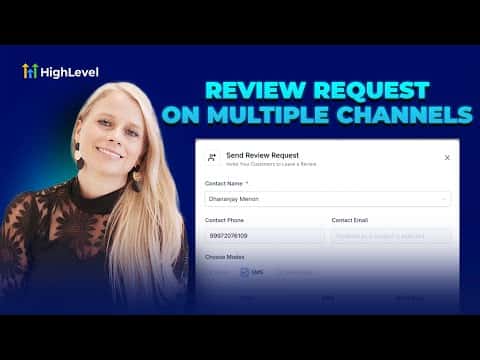
How to Send Multi-Channel Review Requests in GoHighLevel

GoHighLevel can send review requests through email, SMS, and WhatsApp from a single workflow. Enable each channel in Reputation settings, customize the templates, set retry timing so requests resend if the contact has not clicked yet, then send directly from the Requests tab. Send the same request to every customer.

Actualizado el 2 de junio de 2026

6:42

Resumen. GoHighLevel's multi-channel review request feature lets you reach contacts through email, SMS, and WhatsApp simultaneously or individually, all from the Reputation section. Each channel has its own customizable template, and the email channel supports scheduled retries so GoHighLevel follows up automatically until the contact clicks. WhatsApp templates require Meta approval before sending. Contacts need a stored email or phone number before a request can go out.


Preguntas frecuentes

Which channels can I use for review requests in GoHighLevel?

Email, SMS, and WhatsApp are all supported as separate or combined channels.

Do I need to enable each channel separately?

Yes. Toggle each channel on individually inside Reputation settings before sending.

Can GoHighLevel automatically follow up if someone ignores the first request?

Yes. The email channel lets you set retry intervals and a maximum retry count.

Constrúyelo con gente que ya lo hizo.

Únete a la comunidad gratis: llamadas en vivo cada semana, un curso para empezar y gente que construye en tu idioma.

Únete gratis en Skool