
Biblioteca de vídeos
GoHighLevel Reviews and Reputation Tutorials
These tutorials cover reviews and reputation in GoHighLevel. You learn to build review widgets, send multi-channel review requests over SMS and email, set up Yext for reselling, and pull multi-platform reviews into one dashboard. Start by sending review requests, then add a widget to show the results on your site.
Actualizado el 2 de junio de 2026
Todos los tutoriales de Reviews & Reputation
 7:37How to Build Review Widgets in GoHighLevel5,4 mil visualizaciones
 2:59How to Set Up Yext for Reselling in GoHighLevel4,4 mil visualizaciones
 2:00How to Integrate Multi-Platform Reviews into GoHighLevel644 visualizaciones
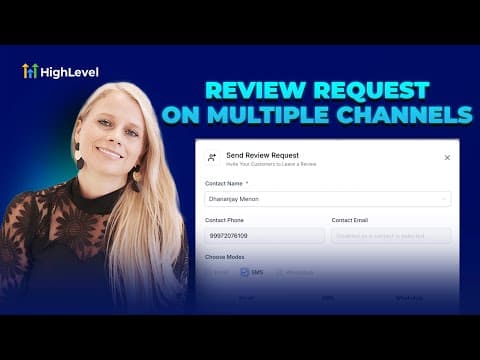 6:42How to Send Multi-Channel Review Requests in GoHighLevel460 visualizaciones
Temas relacionados
- AI & Voice AgentsTrain Conversation AI, build agents in Agent Studio, connect the MCP server, and auto-reply to reviews, comments, and messages.
- Social MediaRun social from one place: Facebook Ads, the Conversions API, Messenger campaigns, UTM attribution, and Instagram shop integration.
- CRM, Contacts & Lead GenRun the CRM: tags, custom fields, inbound webhooks, owners, smart lists, and opportunities across your pipelines.
Preguntas frecuentes
How do I collect reviews in GoHighLevel?
You send multi-channel review requests by SMS and email after a job or visit.
Can I show reviews on my website?
Yes. Review widgets display your collected reviews on any page.
What is Yext used for?
Yext manages business listings, and you can resell it to your clients.
Can I see reviews from several platforms together?
Yes. You can pull multi-platform reviews into one dashboard.