 3:18
3:18सारांश. Carousel ads in GoHighLevel's Ad Manager let you combine multiple images or videos into one scrollable Facebook or Instagram ad, with individual headlines per slide. The setup follows the same campaign flow as single-image ads, with the only difference being the media type selection and the per-slide content fields. Once you have uploaded your media and written your headlines, the rest of the campaign flow (budget, audience, review, publish) works identically to any other ad type.
स्टेप
Create a new campaign in Ad Manager
Open the sub-account, go to Marketing then Ad Manager, and click Create Campaign. For carousels you will start from scratch rather than using a template, since the template library is optimized for single-image formats.
Complete the campaign basics
Choose your objective, attach a lead form or button, set your ad category and placements, and write your ad text. These fields are the same for all ad types.
Select Carousel as the media type
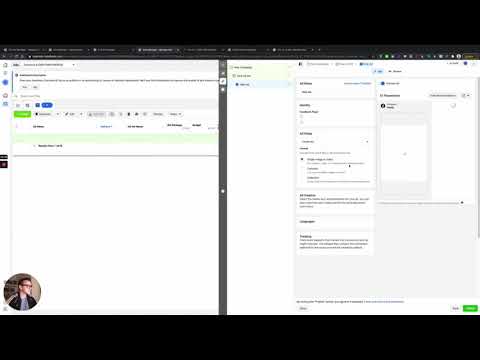
At the bottom of the ad content section, find the Media Type field. Switch from Single to Carousel. A slot for uploading multiple files appears.
Upload your images or videos
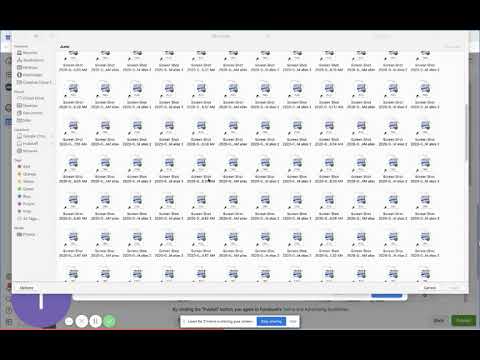
Click Upload Media and select all the files you want in the carousel. GoHighLevel supports multiple images and videos in one upload. The slides will appear in a row with a preview panel on the right.