मेन्यू
RocketLauncher

Social Media

How to Use GoHighLevel's Social Listening Feature

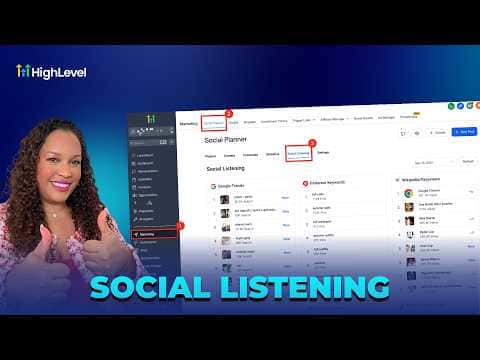
GoHighLevel's Social Listening tool, found inside Social Planner, surfaces real-time trend data from Google Trends, Pinterest, TikTok, and YouTube in a single dashboard. You can browse trending keywords, breakout songs, popular hashtags, and viral content by platform, then use those insights to plan posts that match what audiences are actively searching for right now.

अपडेट: 2 जून 2026

3:19

सारांश. Social Listening in GoHighLevel's Social Planner aggregates trending data from multiple platforms so content creators and agencies can spot what is gaining momentum before posting. The tool covers Google Trends topics, Pinterest keyword growth by region, TikTok breakout songs and trending hashtags, and YouTube popular channels and audios. Selecting any trend opens the source platform with live data, allowing deeper analysis before committing to a content angle.


लोग जो सवाल पूछते हैं

Where do I find Social Listening in GoHighLevel?

Go to Marketing, click Social Planner, then select Social Listening from the sub-menu.

Which platforms does Social Listening cover?

Google Trends, Pinterest Keywords, Wikipedia Page Views, TikTok, and YouTube are all included.

Does clicking a trend open it in GoHighLevel or in the source platform?

It opens in the source platform (Google Trends, Pinterest, etc.) with live data displayed.

उन लोगों के साथ बनाएँ जो पहले बना चुके हैं।

फ्री कम्युनिटी से जुड़ें: हर हफ़्ते लाइव कॉल, एक स्टार्ट-हियर कोर्स और आपकी भाषा में बोलने वाले बिल्डर्स।

Skool पर फ्री जुड़ें