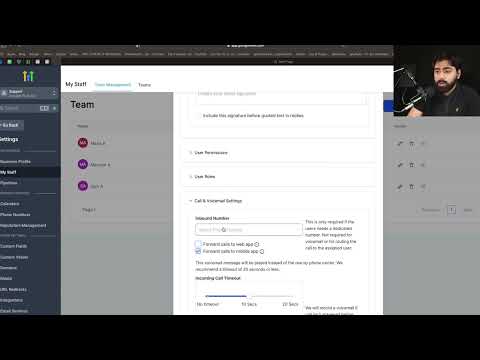
 2:21
2:21Summary. This tutorial explains how to turn on phone number validation in GoHighLevel to avoid sending SMS messages to numbers that cannot receive texts. For Twilio sub-accounts the setting is found in the agency-level phone integration panel, while LeadConnector sub-accounts find it inside the sub-account's own Business Profile settings. When a number fails validation, GoHighLevel automatically marks it as Do Not Disturb for SMS.
What you will learn
- Why validating numbers reduces wasted SMS spend
- Where to find the setting for Twilio sub-accounts
- Where to find the setting for LeadConnector sub-accounts
- What happens to a contact when their number fails validation
- What the per-validation cost is and how to weigh it against the savings
Steps
Decide which phone system your sub-account uses
Log in to your agency account and check whether the sub-account is on Twilio or LeadConnector. The location of the validation toggle differs between the two.
Enable validation for a Twilio sub-account
Go to the agency-level settings, click Phone Integration, find the sub-account using Twilio, and click its Edit button. Toggle on 'Validate phone numbers when contact is created' and save.
Enable validation for a LeadConnector sub-account
Inside the sub-account, go to Settings and then Business Profile. Scroll down until you see 'Validate phone numbers when first SMS is sent to a new contact' and enable that checkbox, then click Update.
Understand the outcome for invalid numbers
When validation detects a number that cannot receive SMS, GoHighLevel sets that contact to Do Not Disturb for text messages, so no further SMS attempts are made.
Tips
- At $0.005 per validation, the cost is nearly always cheaper than repeatedly sending texts to a dead number across a long workflow.
- LeadConnector is the recommended phone system for new sub-accounts. If you are still on Twilio, consider migrating to take advantage of the integrated billing.