 3:57
3:57सारांश. Spam form submissions create fake contacts in your CRM, trigger unnecessary automations, and inflate SMS and email costs. GoHighLevel addresses this with CAPTCHA (a checkbox respondents must tick to prove they are human), real-time phone and email verification codes, and geography-based SMS permissions that can be restricted by country through HighLevel support. Each method adds a layer of friction that bots cannot pass but genuine contacts handle in seconds.
स्टेप
Open a form in the builder
Go to Sites, then Forms, then Builder. Open an existing form or create a new one.
Add a CAPTCHA element
Scroll down in the left elements panel to find Captcha. Drag it onto the form. Respondents will see a checkbox labeled I am not a robot and must tick it before submitting.
Enable phone verification
Click the Phone field on the canvas. In the right settings panel, scroll down and check the box next to Validate Phone. A Verify Phone button will appear on the form for respondents to confirm their number via a one-time code.
Enable email verification
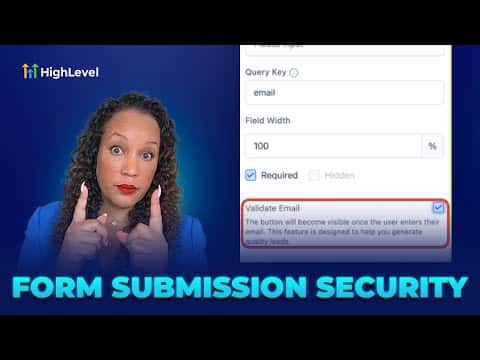
Click the Email field on the canvas. In the settings panel, enable the email validation option. Respondents will need to enter a code sent to the address they typed before the form submits.
Restrict SMS by geography (if needed)
GoHighLevel's SMS geo permissions are managed at the sub-account level. Contact HighLevel support with your location ID and the list of countries you want to enable or disable for calling and texting.