 2:40
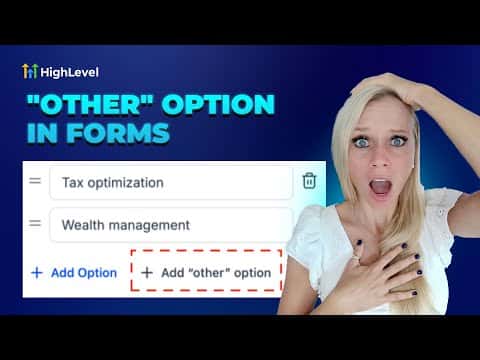
2:40सारांश. Required multiple-choice questions without an escape option produce bad data. Respondents forced to pick an answer that does not fit them will choose anything to continue, making the collected data useless. The Other option in GoHighLevel adds a free-text entry as an additional choice on radio buttons and checkboxes. Enabling it is a single toggle in the Options tab of the field settings. Responses appear alongside standard answers in the Submissions view.
स्टेप
Open a survey in the builder
Go to Sites, then Surveys, then Builder. Open an existing survey or create a new one.
Add a radio or checkbox element
Drag a Radio Button or Checkbox element from the left panel onto a slide. Both field types support the Other option. Dropdowns do not.
Enable the Other option
Click the element to select it. Open the Options tab in the settings panel. Toggle on Allow Other Option. A free-text entry will appear at the end of the choice list.
Save and preview
Click Save, then Preview to confirm the Other choice appears and the free-text input works before publishing.