AI & Voice Agents

Experiment in GoHighLevel AI Studio Without Affecting Your Live Page

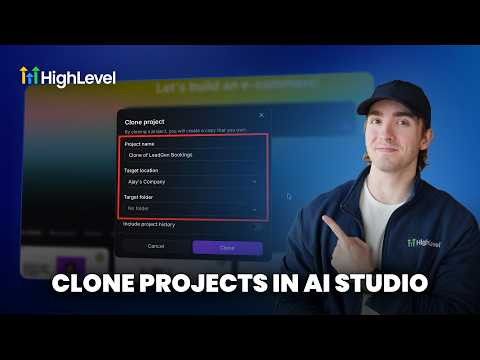
AI Studio in GoHighLevel keeps your changes in draft mode until you choose to publish. You can prompt the AI to redesign colors, swap sections, or rewrite copy on an existing page and the live version stays untouched. When the draft looks right, click publish and apply changes. If you change your mind, the version history lets you restore any previous state.

Actualizado el 2 de junio de 2026

1:41

Resumen. GoHighLevel AI Studio separates draft edits from the published page, so you can test new layouts, copy, or color schemes without visitors ever seeing the unfinished version. Every change made through a prompt creates a new version in the history panel, giving you a clear rollback path if an experiment does not work out. Publishing is a deliberate two-click action, not automatic, which keeps your live page stable while you iterate.
Preguntas frecuentes

Will visitors see my changes while I am editing in AI Studio?

No, edits stay in draft until you click publish and apply changes.

How do I roll back to an earlier version of the page?

Click the history button, select the version you want, then click restore.

Is draft mode automatic or do I have to enable it?

It is automatic. All AI Studio edits are drafts by default until published.

Constrúyelo con gente que ya lo hizo.

Únete a la comunidad gratis: llamadas en vivo cada semana, un curso para empezar y gente que construye en tu idioma.

Únete gratis en Skool