AI & Voice Agents

How To Enable Conversation AI Summaries in GoHighLevel

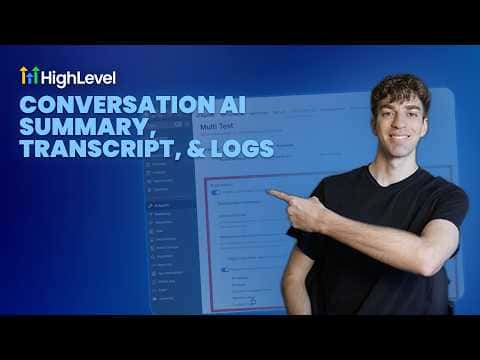
GoHighLevel's Conversation AI can generate a written summary after every chat or text interaction handled by a bot. Summaries capture what the contact asked, what the bot resolved, and any next steps, giving your team a quick read without scrolling through the full transcript. Enabling this is a per-bot setting inside the agent configuration.

Actualizado el 2 de junio de 2026

3:32

Resumen. Conversation AI summaries in GoHighLevel produce a concise recap of each bot-handled conversation automatically, so team members can review what happened without reading the entire transcript. The summary is stored alongside the conversation record and is accessible from the contact timeline. Turning it on requires editing the agent configuration and enabling the summary option in the bot settings.

Preguntas frecuentes

Where do I enable summaries for a Conversation AI bot?

Open the bot in Conversation AI settings and toggle on conversation summaries.

Where do summaries appear after a conversation ends?

They appear in the conversation record and the contact's activity timeline.

Are summaries generated for every conversation or only some?

Every conversation handled by that bot gets a summary once the feature is enabled.

Constrúyelo con gente que ya lo hizo.

Únete a la comunidad gratis: llamadas en vivo cada semana, un curso para empezar y gente que construye en tu idioma.

Únete gratis en Skool