 2:02
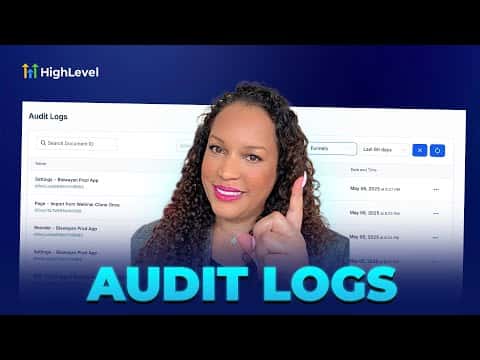
2:02Resumo. Audit logs in GoHighLevel sit inside sub-account Settings under Other Settings and track every significant user action across funnels, websites, and stores. You can filter the log by team member, action type (created, updated, deleted, restored, and more), module, and date range going back up to 60 days. The feature is built for teams who need to resolve issues quickly and maintain a clear record of project changes.
Passos
Navigate to Audit Logs
Inside your sub-account, scroll to the bottom of the left menu and click Settings, then find Audit Logs under Other Settings.
Apply filters to narrow results
Use the filter options to sort by user, action type (created, updated, deleted, restored, etc.), module (funnels, websites, stores), and date range up to 60 days.