 5:44
5:44Resumo. Collections in GoHighLevel sit under Payments, Products, Collections and give store owners control over how products are grouped for shoppers. A manual collection is built by selecting individual products one by one, while a smart collection runs a set of conditions against your product catalog and populates itself. Both types support custom SEO titles and descriptions, and each has its own best use case depending on how dynamic your product mix is.
Passos
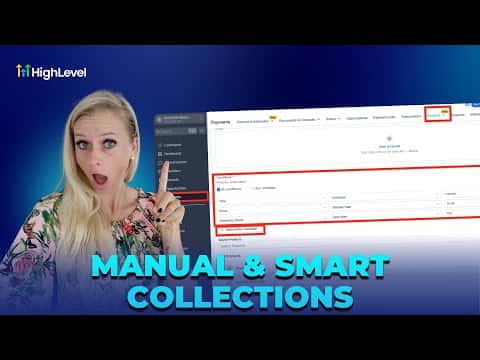
Open Collections
Click Payments in the left menu, then Products at the top, and select Collections from the dropdown. Click Create New Collection.
Choose Manual or Smart
Select Manual to handpick products by searching and adding them one at a time. Select Smart to define rules by title, price, or inventory that automatically include matching products.
Add SEO details and save
Fill in an SEO title and description to improve search visibility, adjust the handle if needed, and click Save in the top right corner.