 3:53
3:53Resumo. GoHighLevel allows agency owners to change the voice of any Voice AI agent by selecting from a library of 340+ high-quality voices or importing custom voices from ElevenLabs via voice ID. Filtering by provider, language, accent, and gender narrows the choices quickly, and a preview button lets you compare voices before committing. Changing a voice does not affect the agent's call script, intents, or response logic, and the update takes effect immediately after saving.
Passos
Open the agent voice settings
Go to AI Agents in the sidebar, select Voice AI, click Agent List, find the agent, click the three dots, and choose Edit. Locate the Voice section.
Browse the library and pick a voice
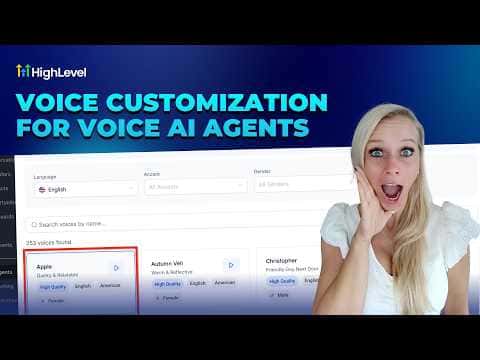
Click the current voice name to open the catalog. Filter by provider, language, accent, and gender. Preview voices using the play button and click on the one you want, then click Save Voice.
Import a custom voice from ElevenLabs (agency owners only)
Go to My Voices, click Add Custom Voice, select ElevenLabs, paste the voice ID from your ElevenLabs account, preview it, and click Import Voice. Allow a few seconds for the import to complete, then save.